
• 8/30/25 4:45 pm
- 1.2k views • 1 today
- save_alt 38 downloads • 1 today
- Progress
- 100% complete

9
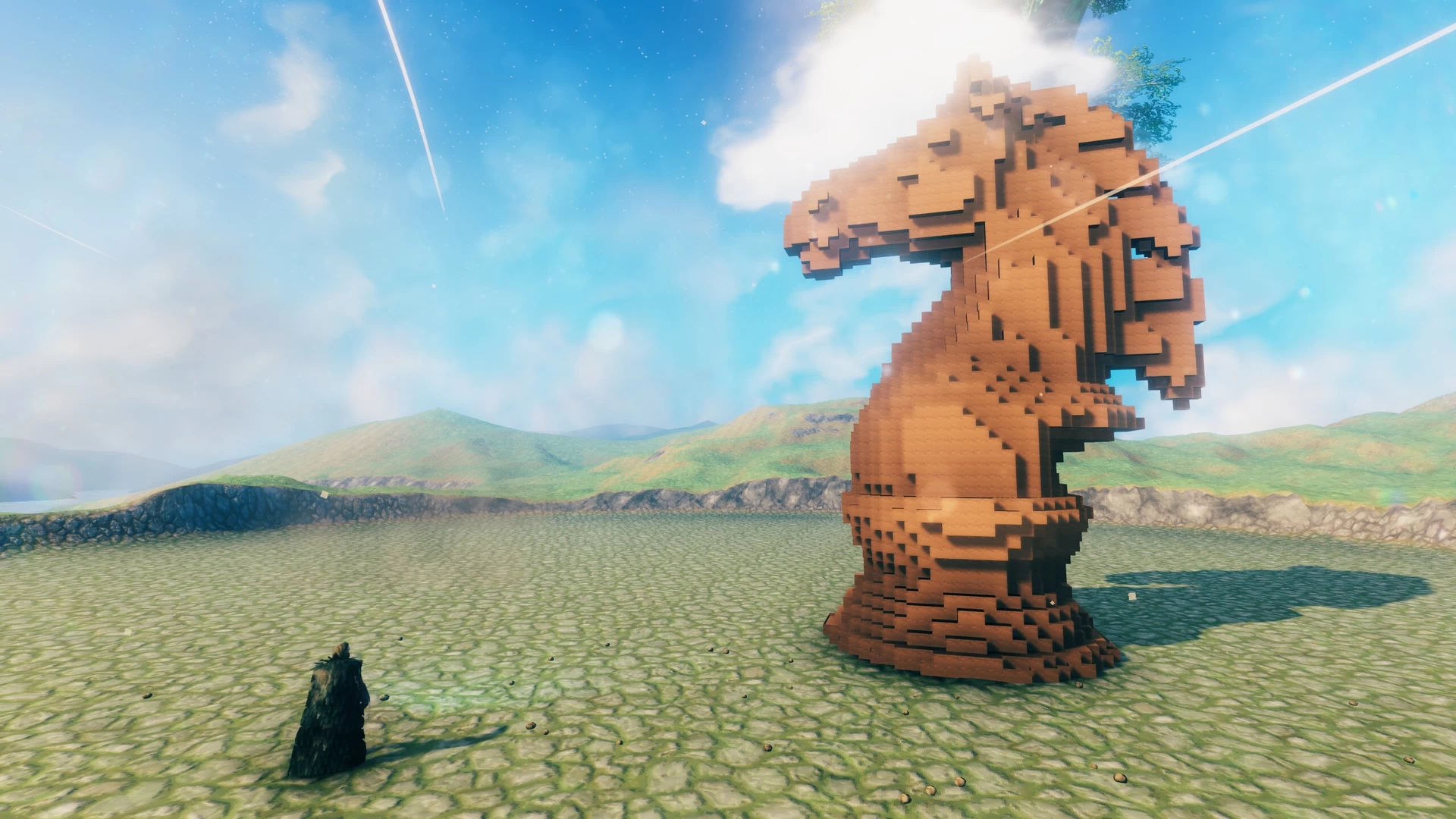
I've had the idea for a while of creating Valheim blueprints from arbitrary 3D objects. Here's an attempt to doing it.
Blender allows you to convert geometry into a set of cubic blocks, and then, if you save them, you can create a blueprint using the Dvergerprops Crate object as building blocks (since it supports scaling). Unfortunately, Valheim doesn't have a suitable scalable object to display a simple triangular polygon.
Unfortunately, any complex geometry produces blueprints of tens of thousands of blocks, which makes this method of little practical use. Perhaps if the algorithm were optimized so that adjacent faces are merged, the result could be better.
Steps to convert Blender 3d object to Valheim blueprint (this is just expiriment, unfinished and almost useless)
- import 3d object into Blender
- select particular mesh
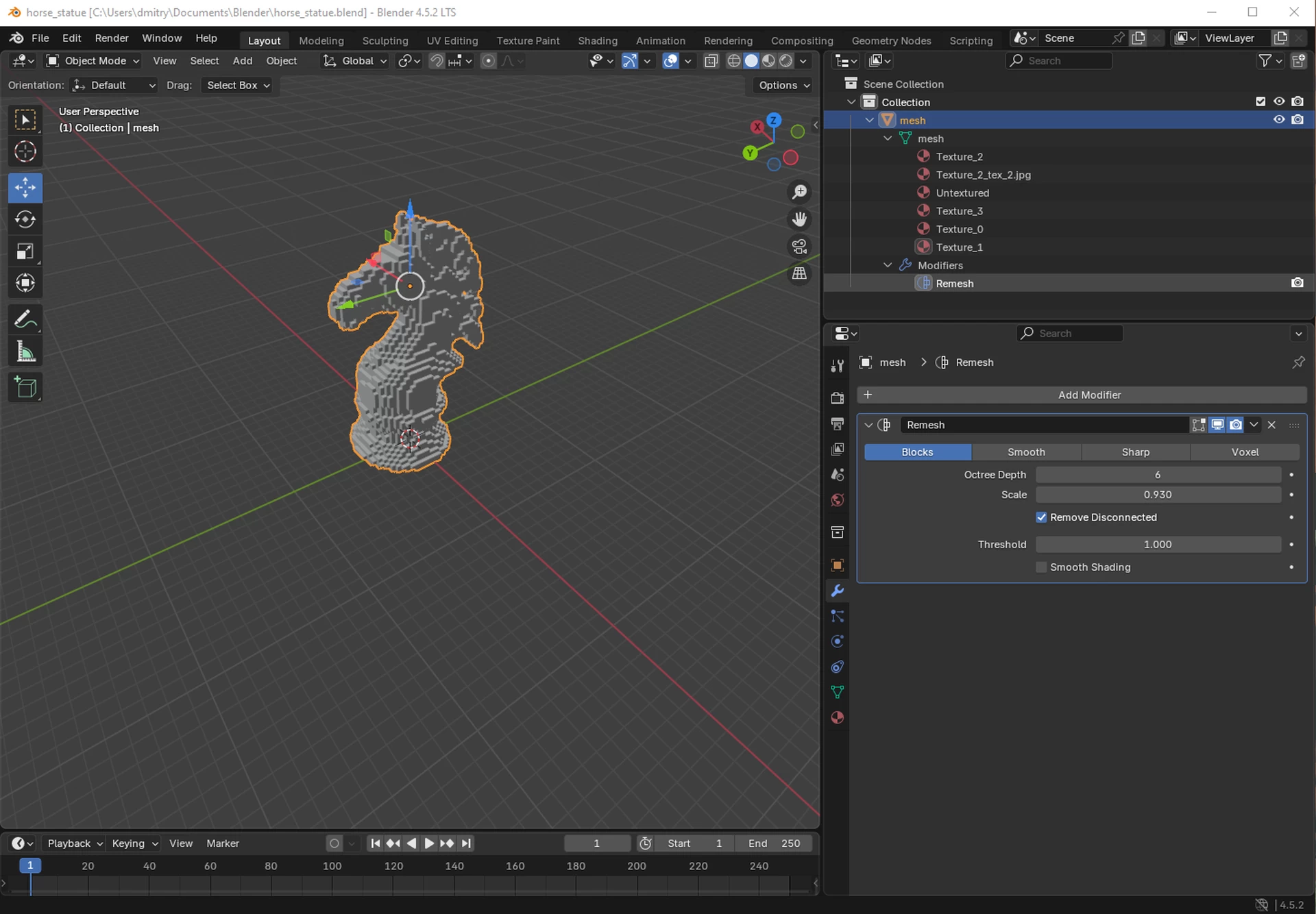
- add Remesh modifier to mesh with type Blocks and adjust Octree Depth for the required level of detail
- apply Remesh modifier to mesh for making changes permanent
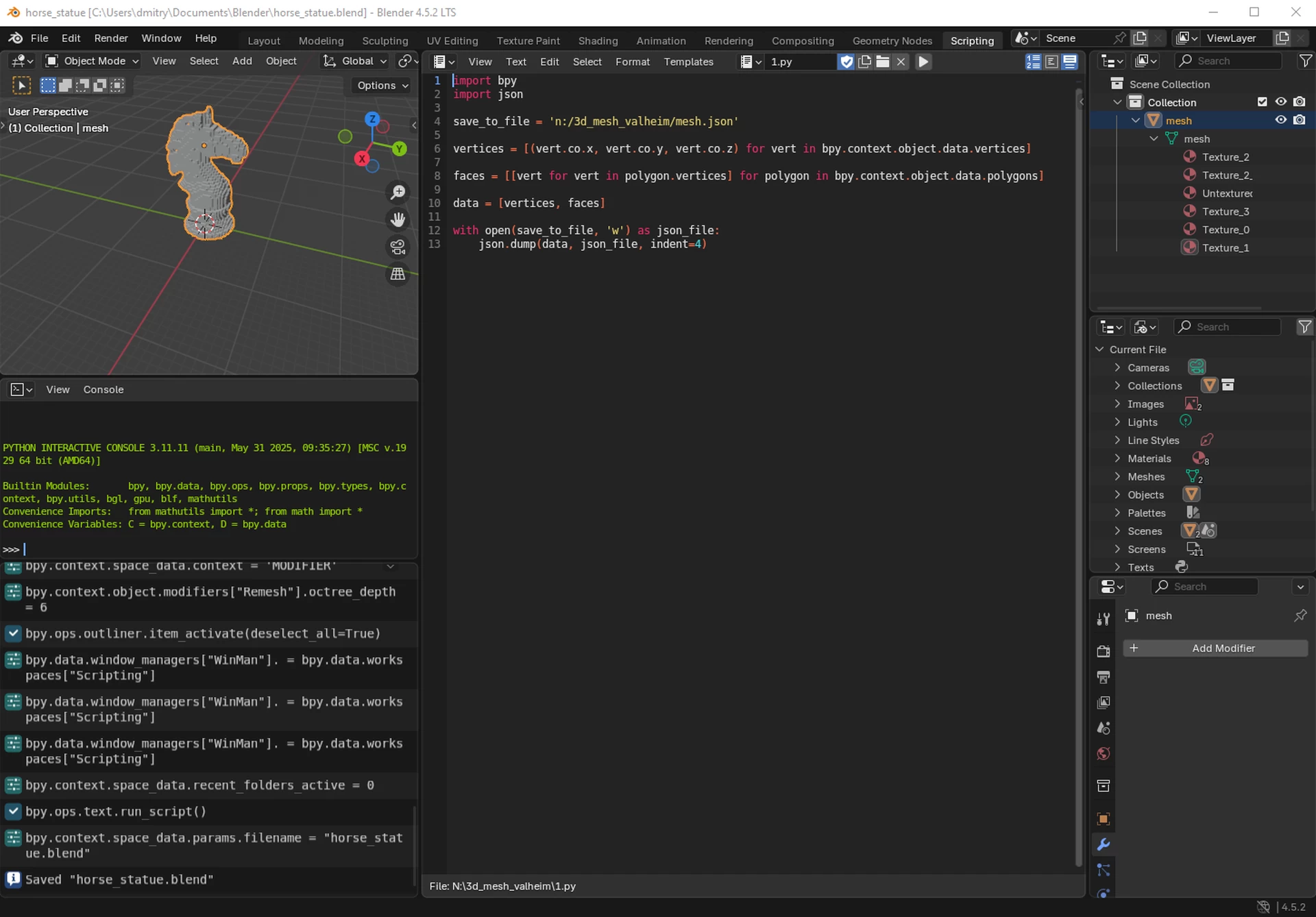
- goto to Scripting tab and open script blender_script.py (included in archive)
- change the output json file name in the script
- run script by clicking Run Script button (or pressing Alt-P)
- convert json file to blueprint file with perl script json_to_blueprint.pl (Perl interpreer required)
usage example:
perl json_to_blueprint.pl < mesh.json > 3dtest.blueprint
- copy output file (3dtest.blueprint) into blueprints directory and enjoy
------------------
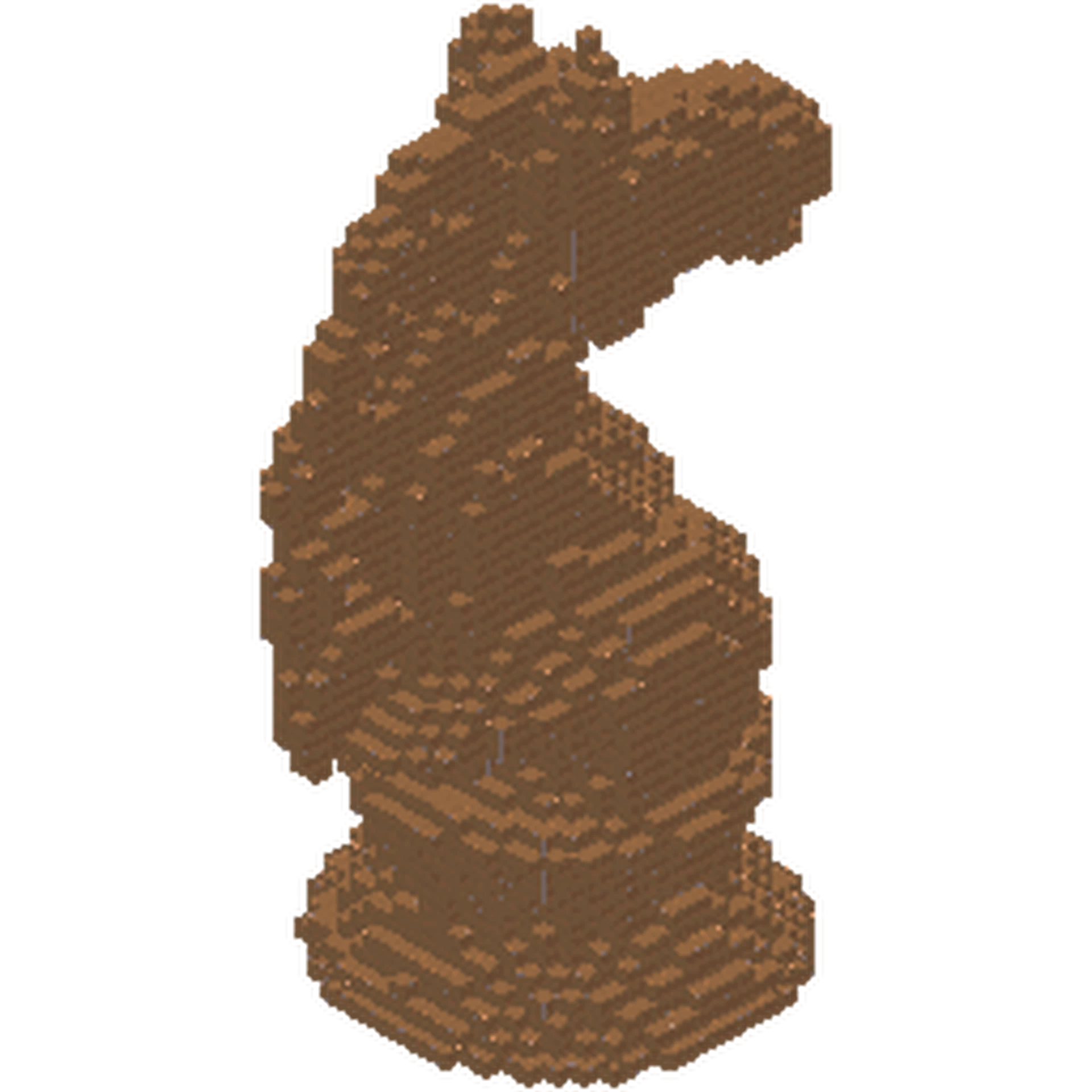
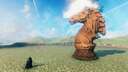
Sample 3D object - Horse by RJ_12
Blender allows you to convert geometry into a set of cubic blocks, and then, if you save them, you can create a blueprint using the Dvergerprops Crate object as building blocks (since it supports scaling). Unfortunately, Valheim doesn't have a suitable scalable object to display a simple triangular polygon.
Unfortunately, any complex geometry produces blueprints of tens of thousands of blocks, which makes this method of little practical use. Perhaps if the algorithm were optimized so that adjacent faces are merged, the result could be better.
Steps to convert Blender 3d object to Valheim blueprint (this is just expiriment, unfinished and almost useless)
- import 3d object into Blender
- select particular mesh
- add Remesh modifier to mesh with type Blocks and adjust Octree Depth for the required level of detail
- apply Remesh modifier to mesh for making changes permanent
- goto to Scripting tab and open script blender_script.py (included in archive)
- change the output json file name in the script
- run script by clicking Run Script button (or pressing Alt-P)
- convert json file to blueprint file with perl script json_to_blueprint.pl (Perl interpreer required)
usage example:
perl json_to_blueprint.pl < mesh.json > 3dtest.blueprint
- copy output file (3dtest.blueprint) into blueprints directory and enjoy
------------------
Sample 3D object - Horse by RJ_12
More like this

 Artyfacts
 Lacko
Lacko

 Shawesome
 MythicBuilds
3118
2




 Kaiser II
Have something to say?