
• 1/1/26 4:45 pm
- 633 views • 5 today
- save_alt 31 downloads
- Progress
- 100% complete


19
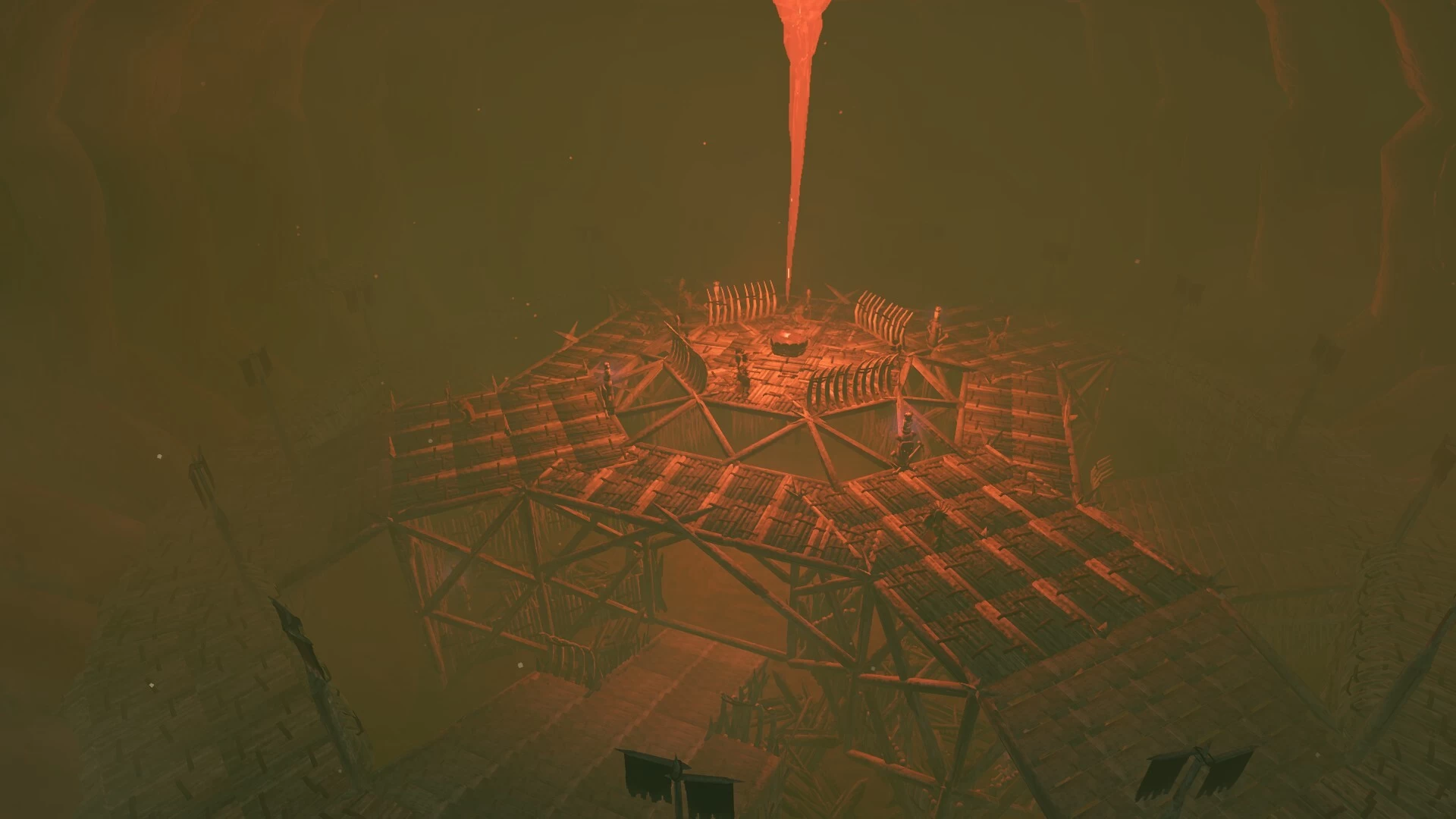
Since Plains are missing a dungeon, i decided to make one.
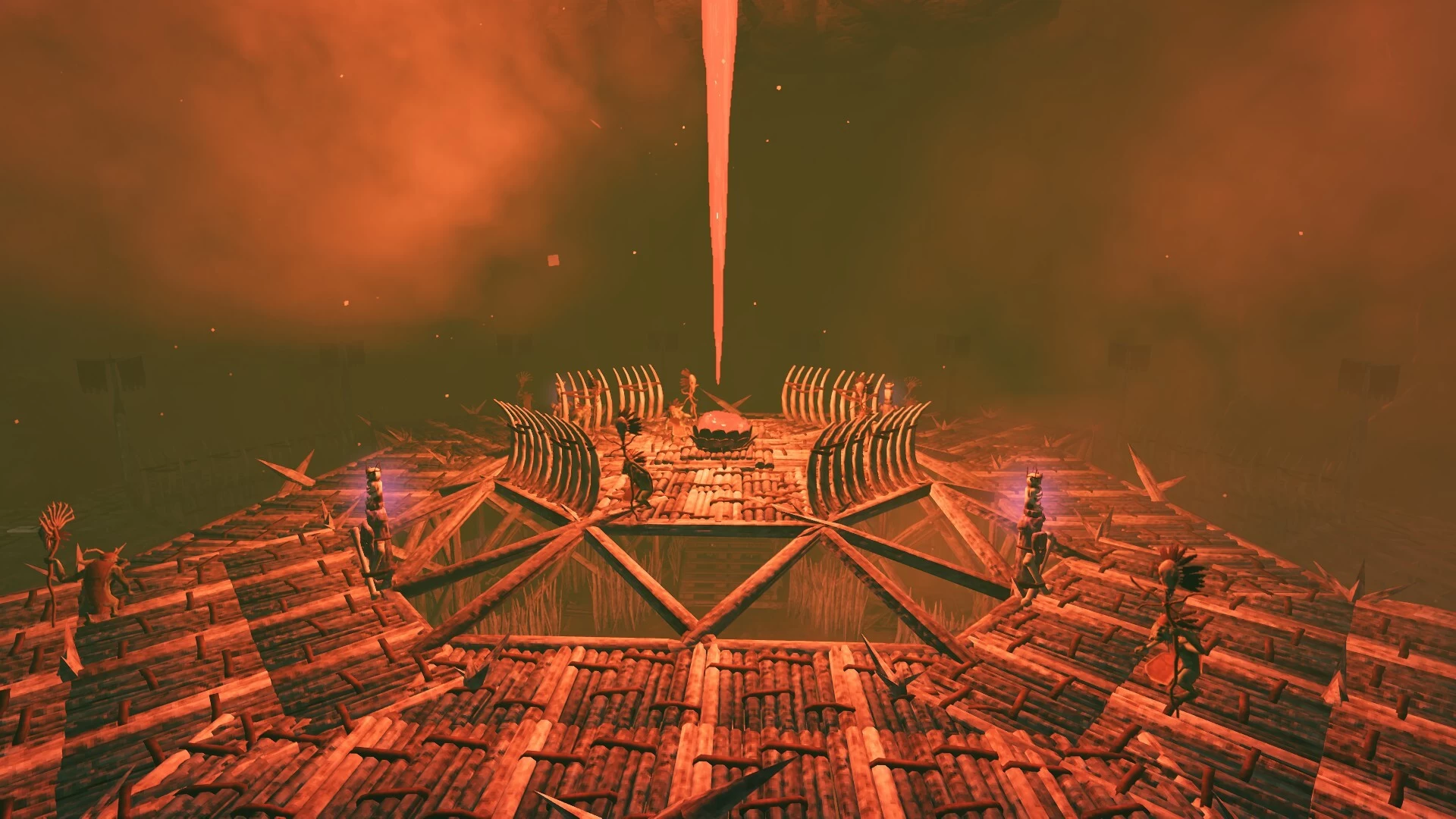
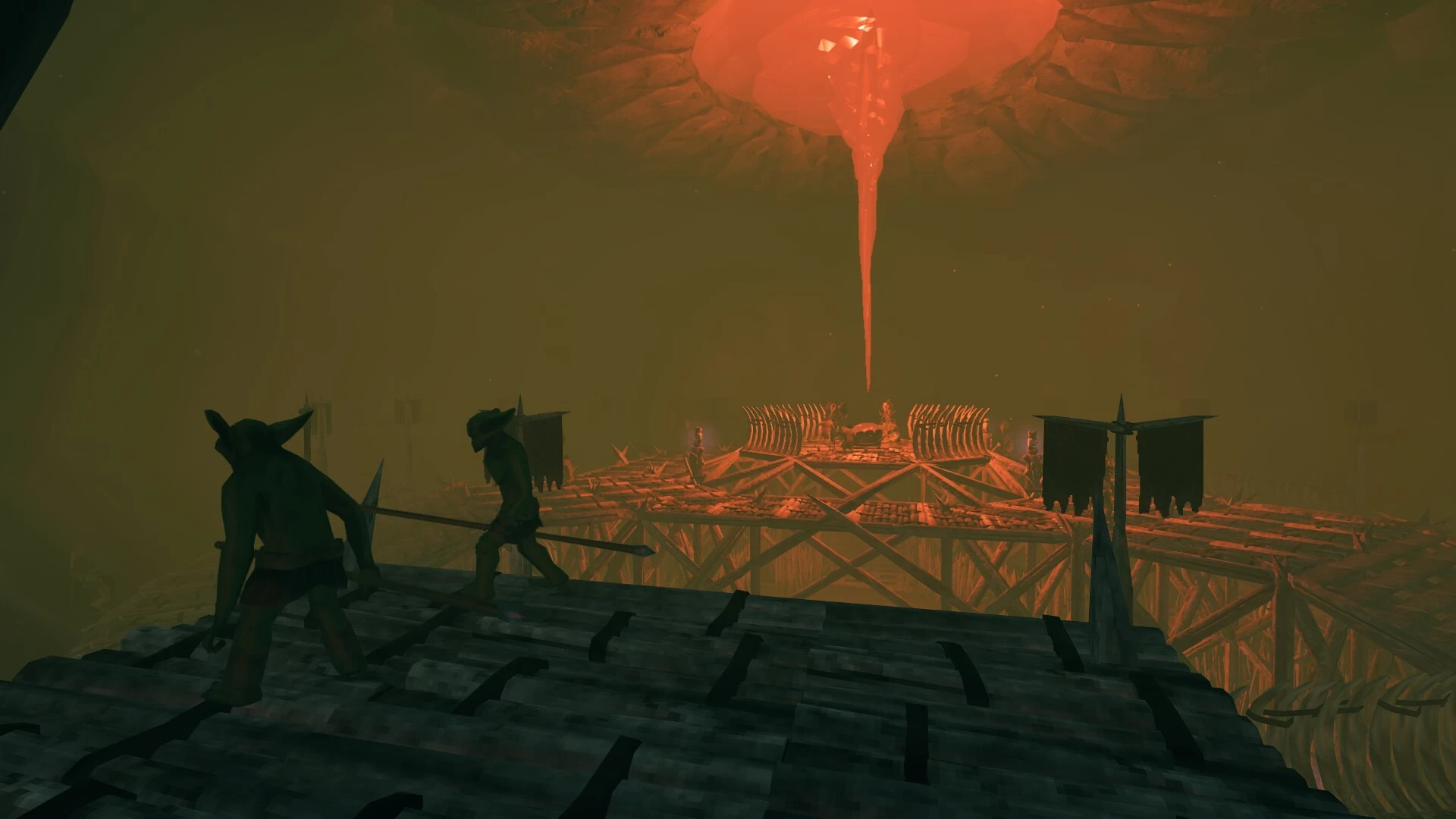
I imagined this to be a place where fuling shamans get their magic from - a pale-pink lung that distills the heat of the land and the blood of the fallen warriors into a glowing nectar - Minddrip. This is the source of the shaman's heat that turn their blood into fuel.
There are 2 files - dungeon and entrance.
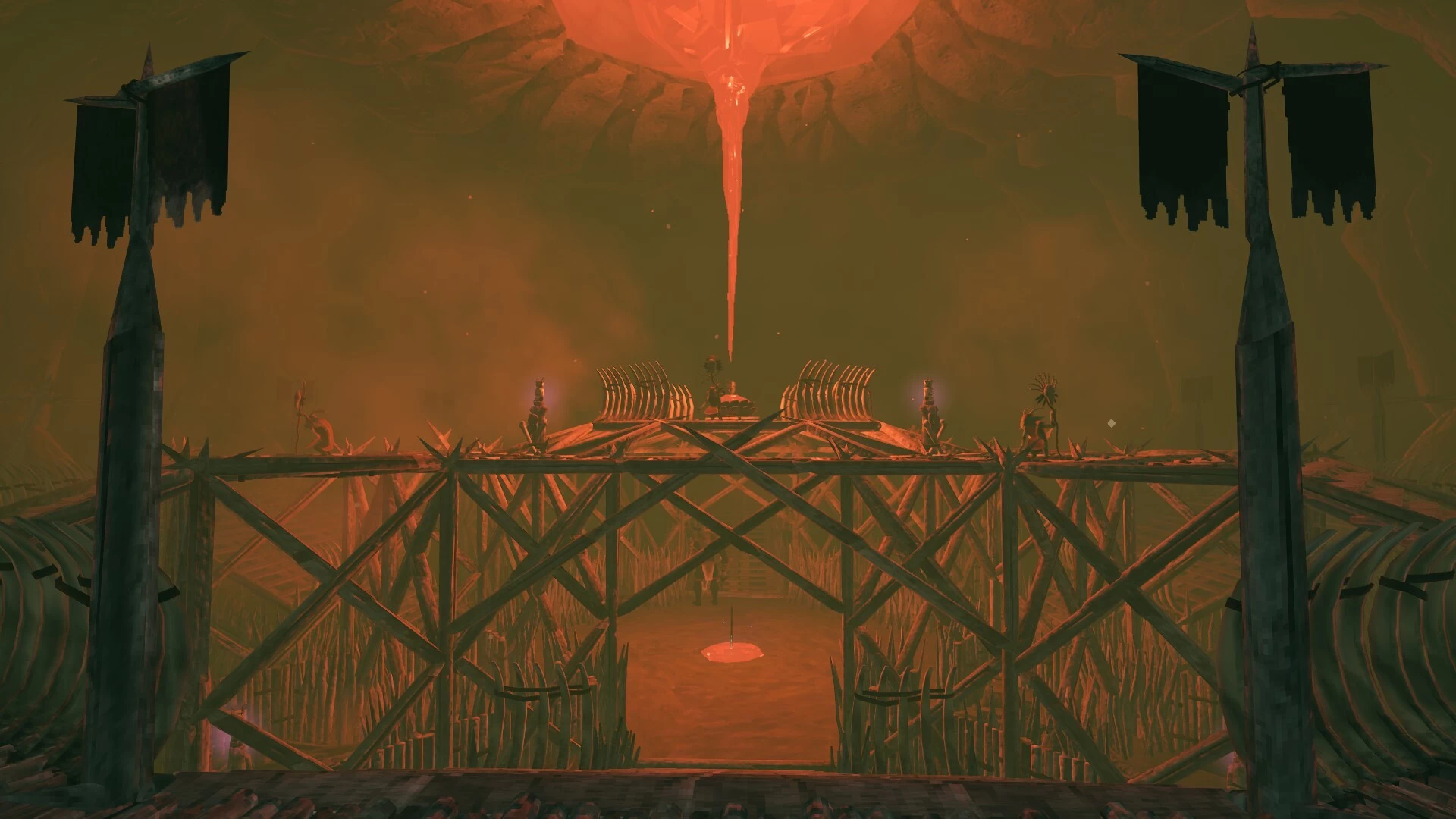
Dungeon - The Minddrip Hollow
Dungeon is meant to be placed inside infested mine skybox, but can be freely placed anywhere (with minor changes to the build).
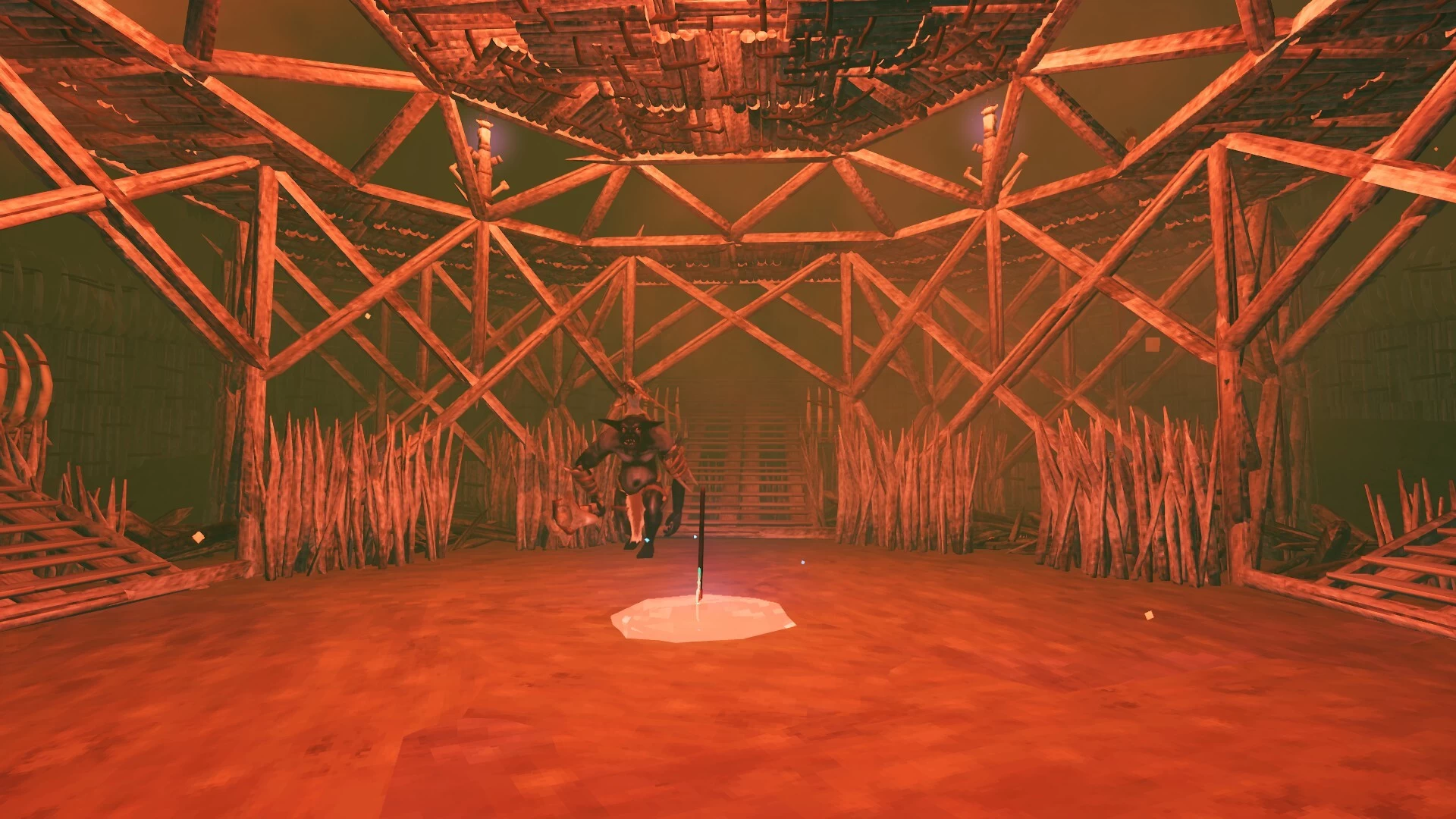
Dungeon is very hard for solo players - come very well prepared. It is full of fuling shamans who are doing some kind of magic ritual. Also there is a Hildirs miniboss guarding the reward - lvl 4 SkullSplittur.
If you want to change the dungeon name so it doesn't show Infested Mine when you enter, aim at the entrance (white box) and use this code:
object f=teleport,enterText,"Minddrip Hollow"
I would do it myself, but PlanBuild won't save it.
Placing a blueprint:
1. Remove the dungeon using planbuild tools.
2. Select a blueprint and aim at the bottom of the dungeon entrance (white box) and place it
3, Thats it. Everything is ready.
4. Make sure to select Unlimited health when placing blueprint.
Entrance (optional)
Entrance is not needed - you can add a portal inside The Minddrip Hollow.
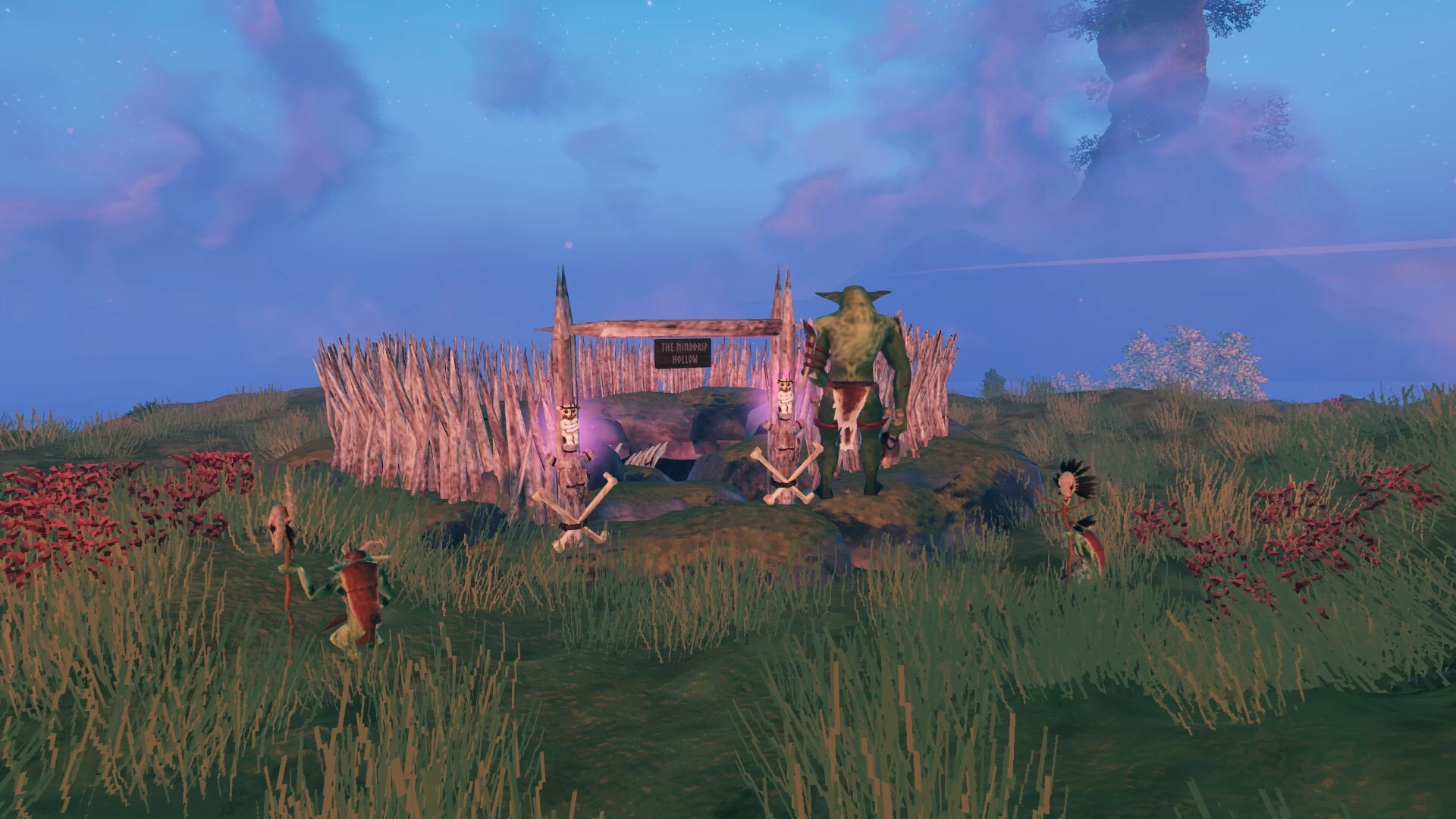
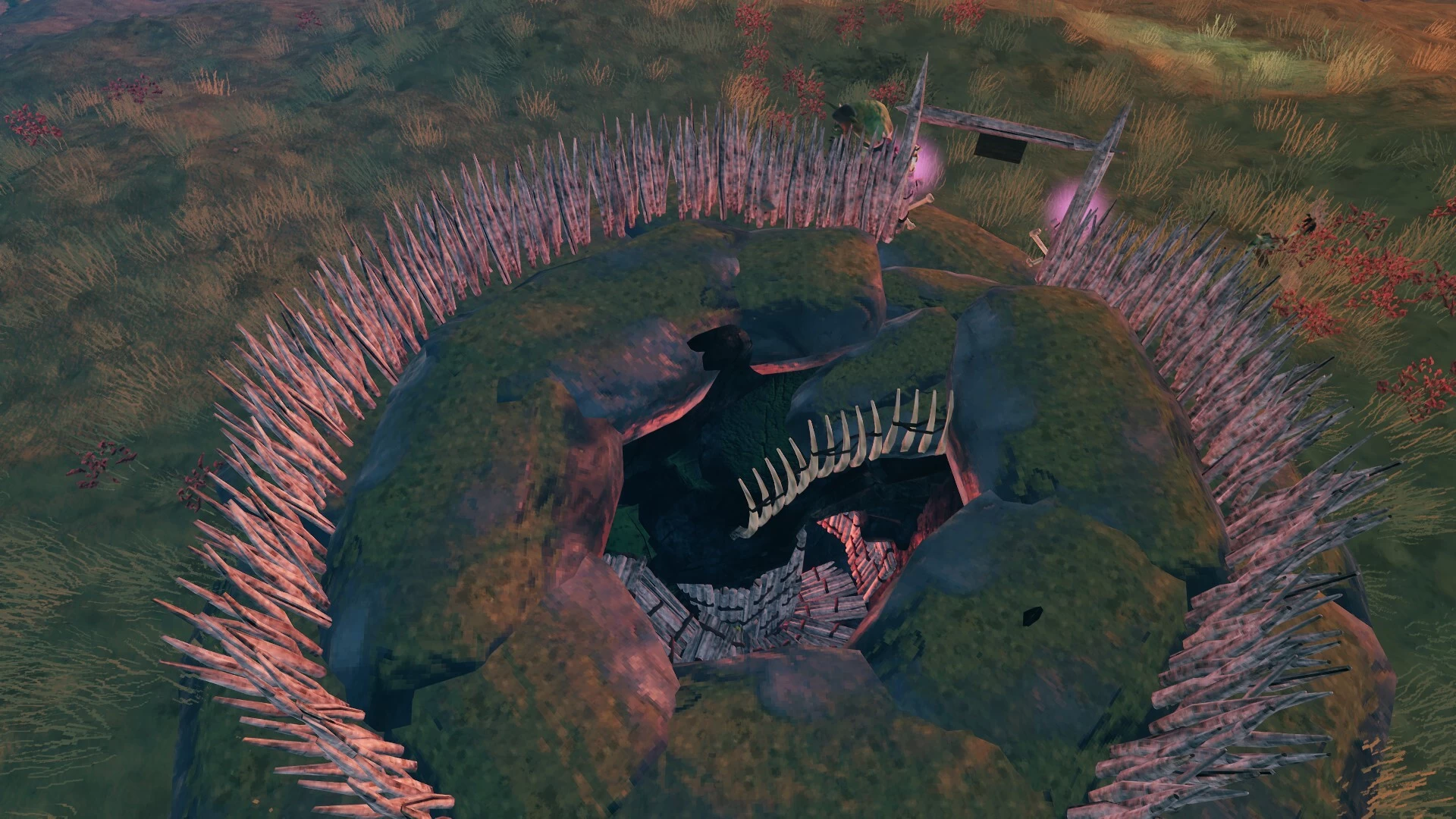
It looks like the entrance to an underground cave and it is guarded by shamans and berserker.
If you decide to add the entrance, it will require a bit more work and it should be done before placing the Minddrip Hollow blueprint.
1. Place infested mine in plains. I prefer to use hammer_location commands, but it can be done with spawn_location too
- hammer_location Mistlands_DvergrTownEntrance1
2. Kill all the enemies and remove everything except the location_proxy. To do this use the following commands:
- object id=spawner* radius=50 remove - this will remove seeker spawners
- object id=*vine* radius=50 remove - this will remove vines
- object id=*creep* radius=50 remove - this will remove slimy decorations
- object id=*dvergr* radius=50 remove - this will remove all the objects that have dverger in the name - lanterns, spikes, etc
- object id=*black* radius=50 remove - this will remove all the black marble pieces
3. Select Entrance blueprint, go down to the dungeon entrance and place it. I added a little arrow to the blueprint that should be pointing directly to the entrance. Use blackmarble floor in front of the entrance for alignment.
Don't forget there is a command pb.undo to remove blueprint if you missed the alignment.
Mods required:
Planbuild
World Edit Commands
I imagined this to be a place where fuling shamans get their magic from - a pale-pink lung that distills the heat of the land and the blood of the fallen warriors into a glowing nectar - Minddrip. This is the source of the shaman's heat that turn their blood into fuel.
There are 2 files - dungeon and entrance.
Dungeon - The Minddrip Hollow
Dungeon is meant to be placed inside infested mine skybox, but can be freely placed anywhere (with minor changes to the build).
Dungeon is very hard for solo players - come very well prepared. It is full of fuling shamans who are doing some kind of magic ritual. Also there is a Hildirs miniboss guarding the reward - lvl 4 SkullSplittur.
If you want to change the dungeon name so it doesn't show Infested Mine when you enter, aim at the entrance (white box) and use this code:
object f=teleport,enterText,"Minddrip Hollow"
I would do it myself, but PlanBuild won't save it.
Placing a blueprint:
1. Remove the dungeon using planbuild tools.
2. Select a blueprint and aim at the bottom of the dungeon entrance (white box) and place it
3, Thats it. Everything is ready.
4. Make sure to select Unlimited health when placing blueprint.
Entrance (optional)
Entrance is not needed - you can add a portal inside The Minddrip Hollow.
It looks like the entrance to an underground cave and it is guarded by shamans and berserker.
If you decide to add the entrance, it will require a bit more work and it should be done before placing the Minddrip Hollow blueprint.
1. Place infested mine in plains. I prefer to use hammer_location commands, but it can be done with spawn_location too
- hammer_location Mistlands_DvergrTownEntrance1
2. Kill all the enemies and remove everything except the location_proxy. To do this use the following commands:
- object id=spawner* radius=50 remove - this will remove seeker spawners
- object id=*vine* radius=50 remove - this will remove vines
- object id=*creep* radius=50 remove - this will remove slimy decorations
- object id=*dvergr* radius=50 remove - this will remove all the objects that have dverger in the name - lanterns, spikes, etc
- object id=*black* radius=50 remove - this will remove all the black marble pieces
3. Select Entrance blueprint, go down to the dungeon entrance and place it. I added a little arrow to the blueprint that should be pointing directly to the entrance. Use blackmarble floor in front of the entrance for alignment.
Don't forget there is a command pb.undo to remove blueprint if you missed the alignment.
Mods required:
Planbuild
World Edit Commands
More like this
 Panagist
 smskcntr
3434
2


 Goban
Goban




Have something to say?
However, once they are killed they will not respawn anymore. If you want to respawn them, use this command
object id=spawner* radius=200 respawn (you need World Edit Commands mod for this)