
• 2/3/26 3:54 pm
- 954 views • 4 today
- save_alt 44 downloads
- Progress
- 95% complete


19
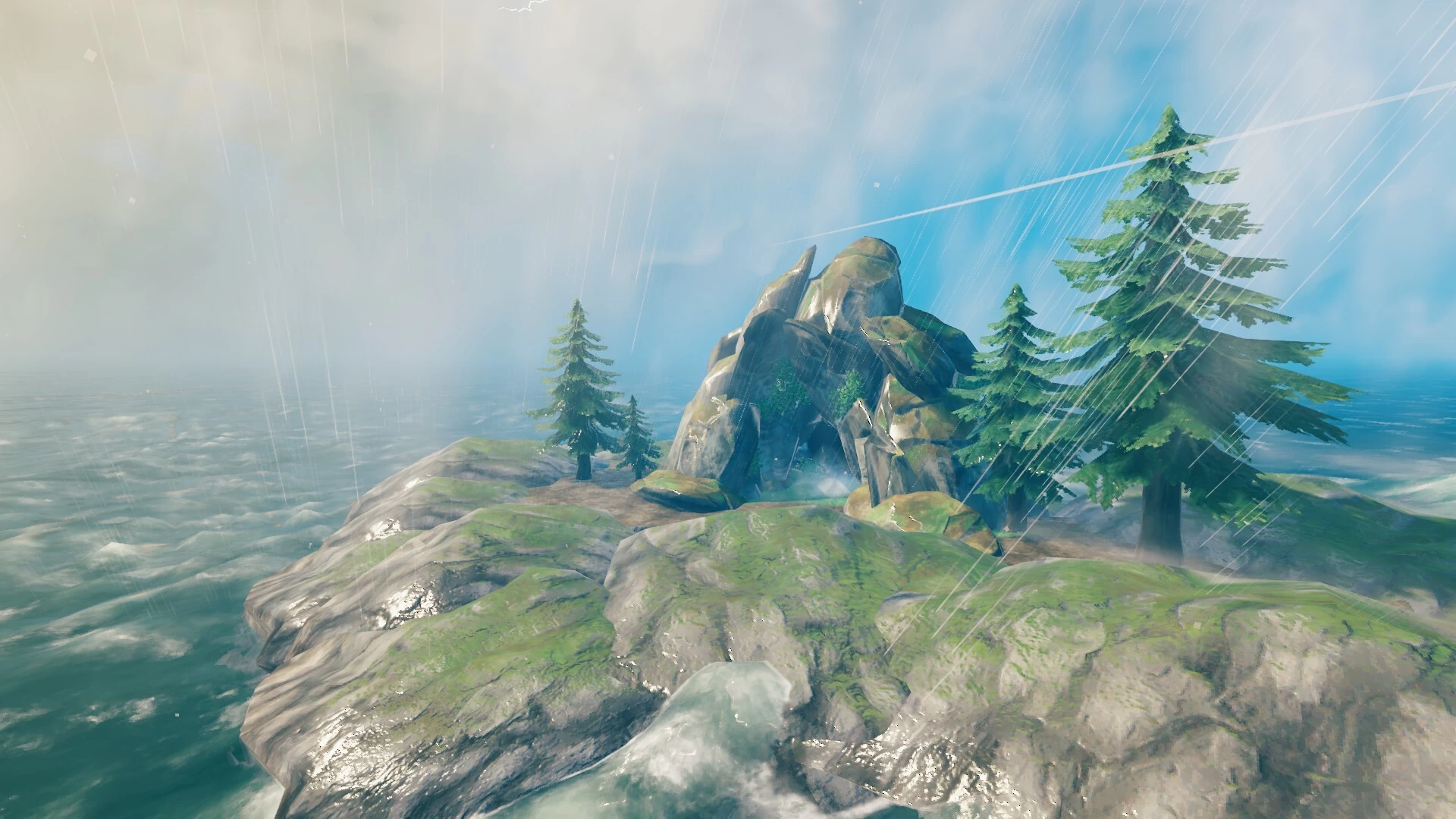
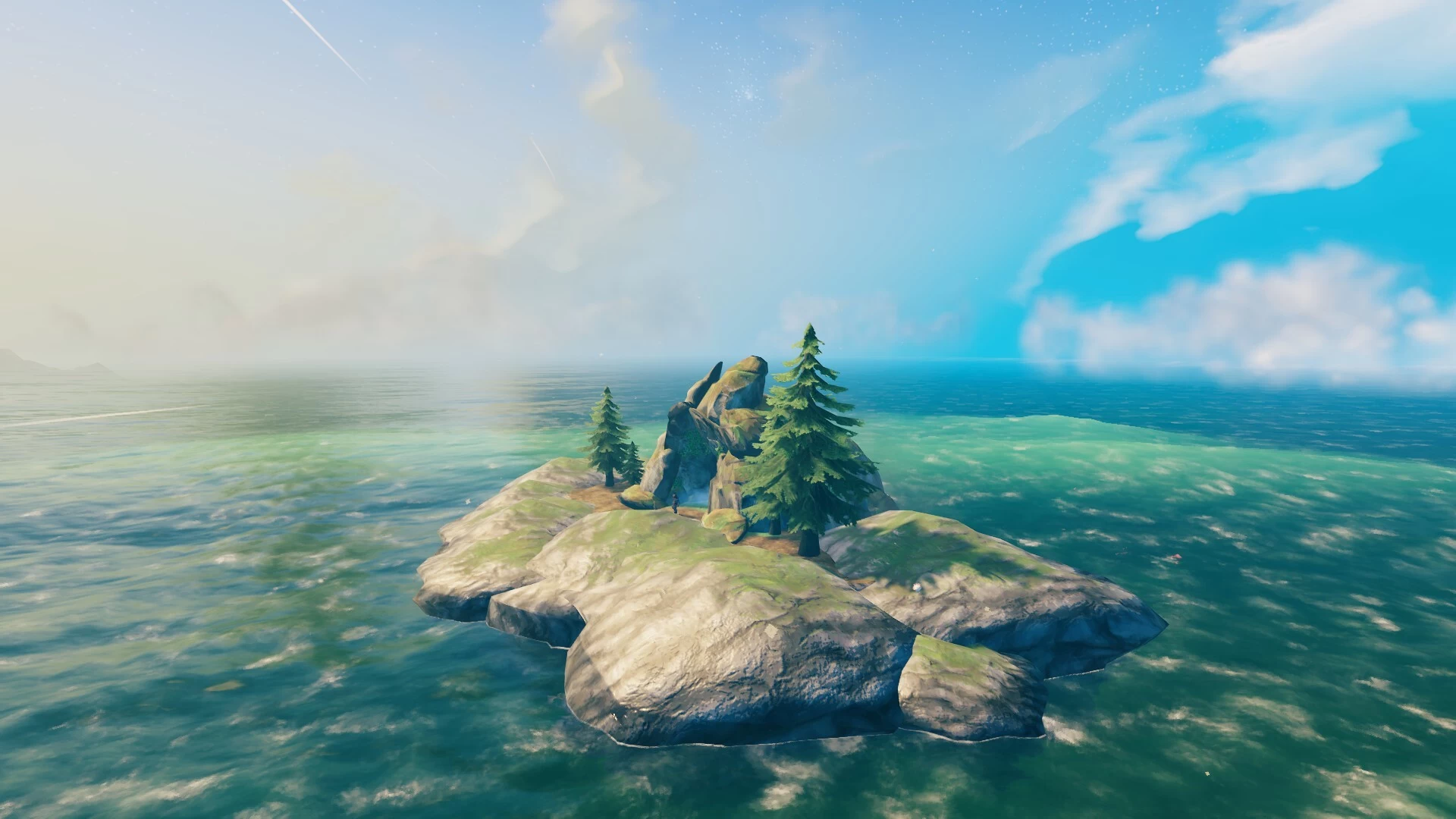
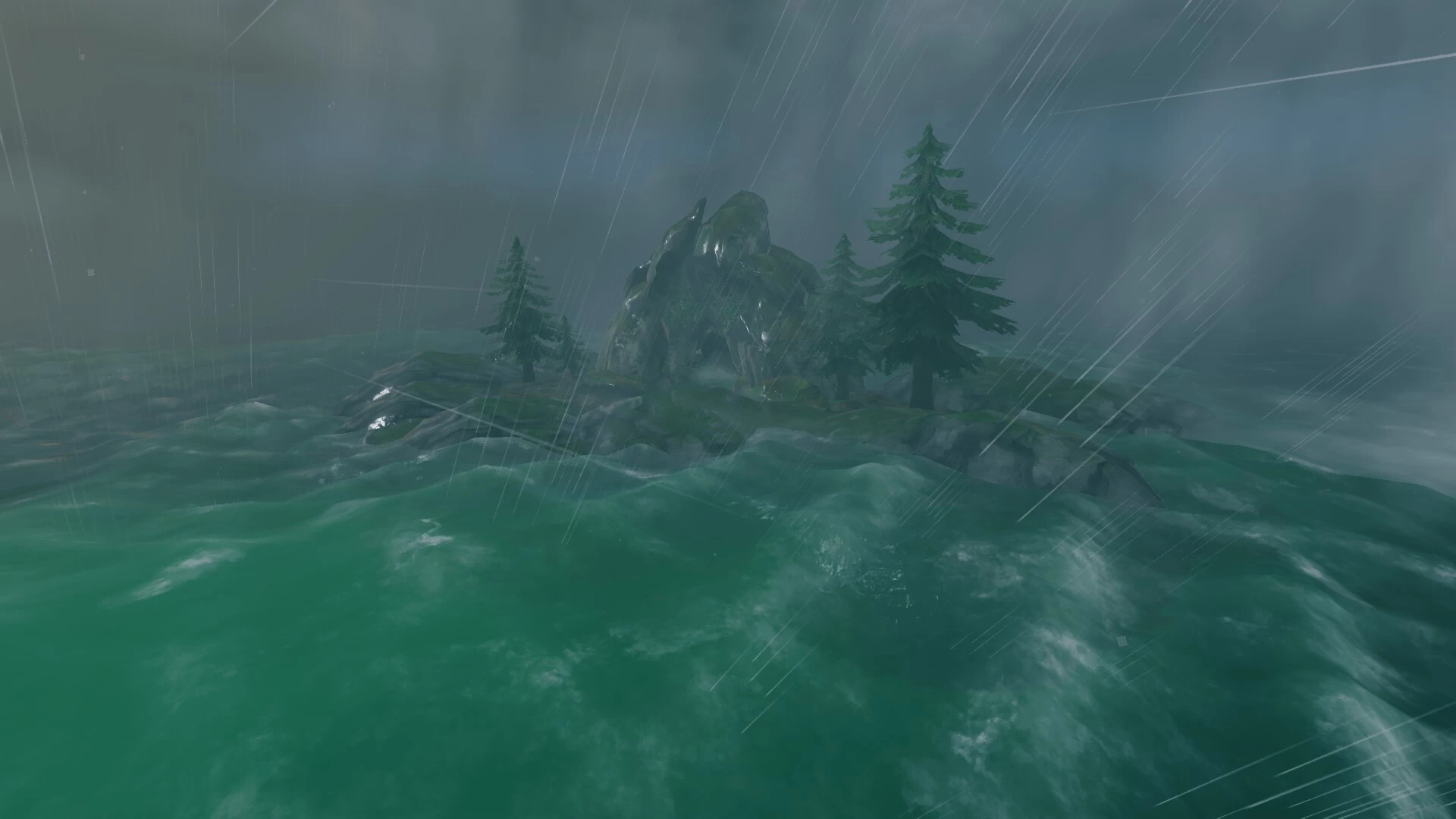
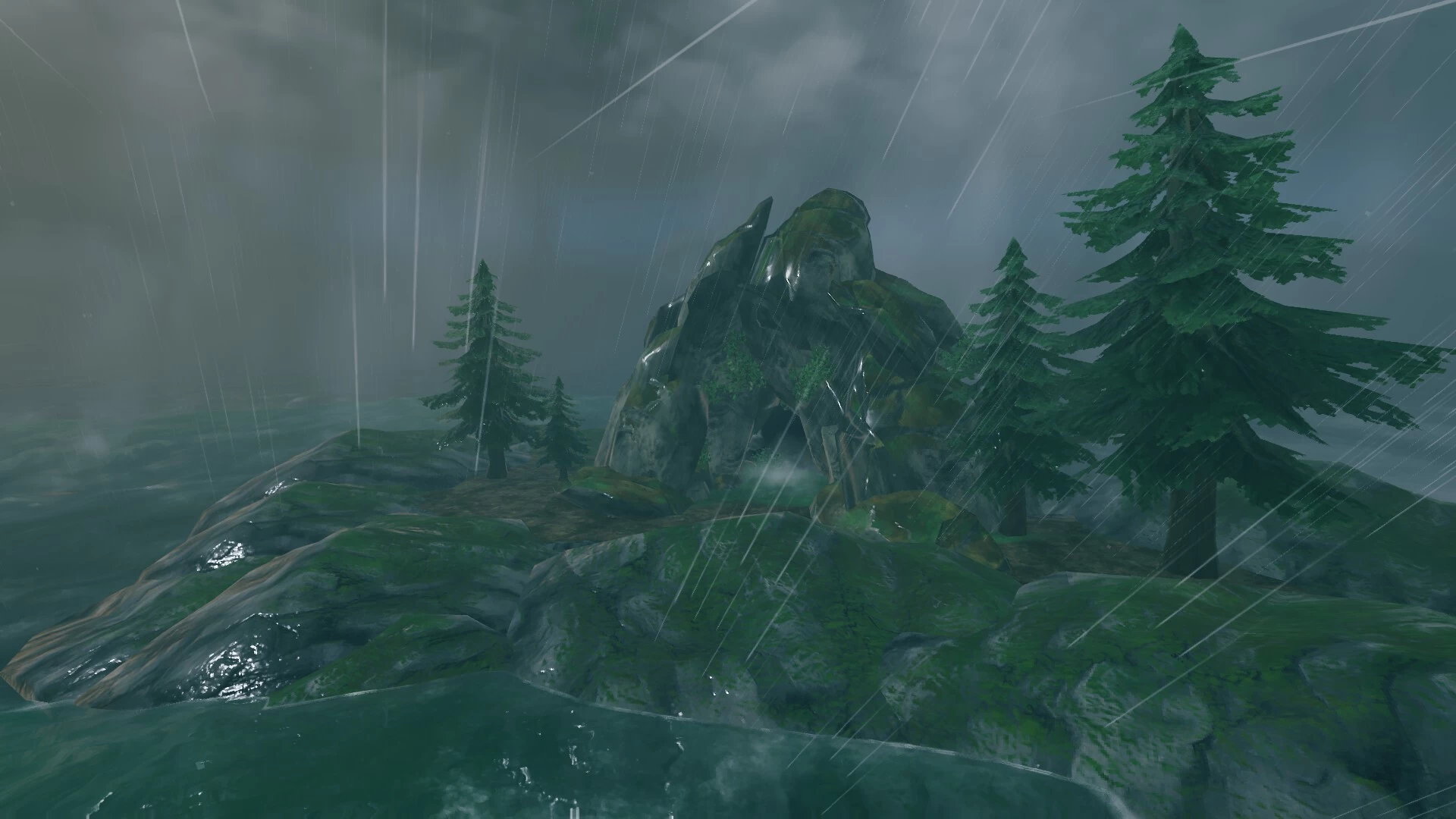
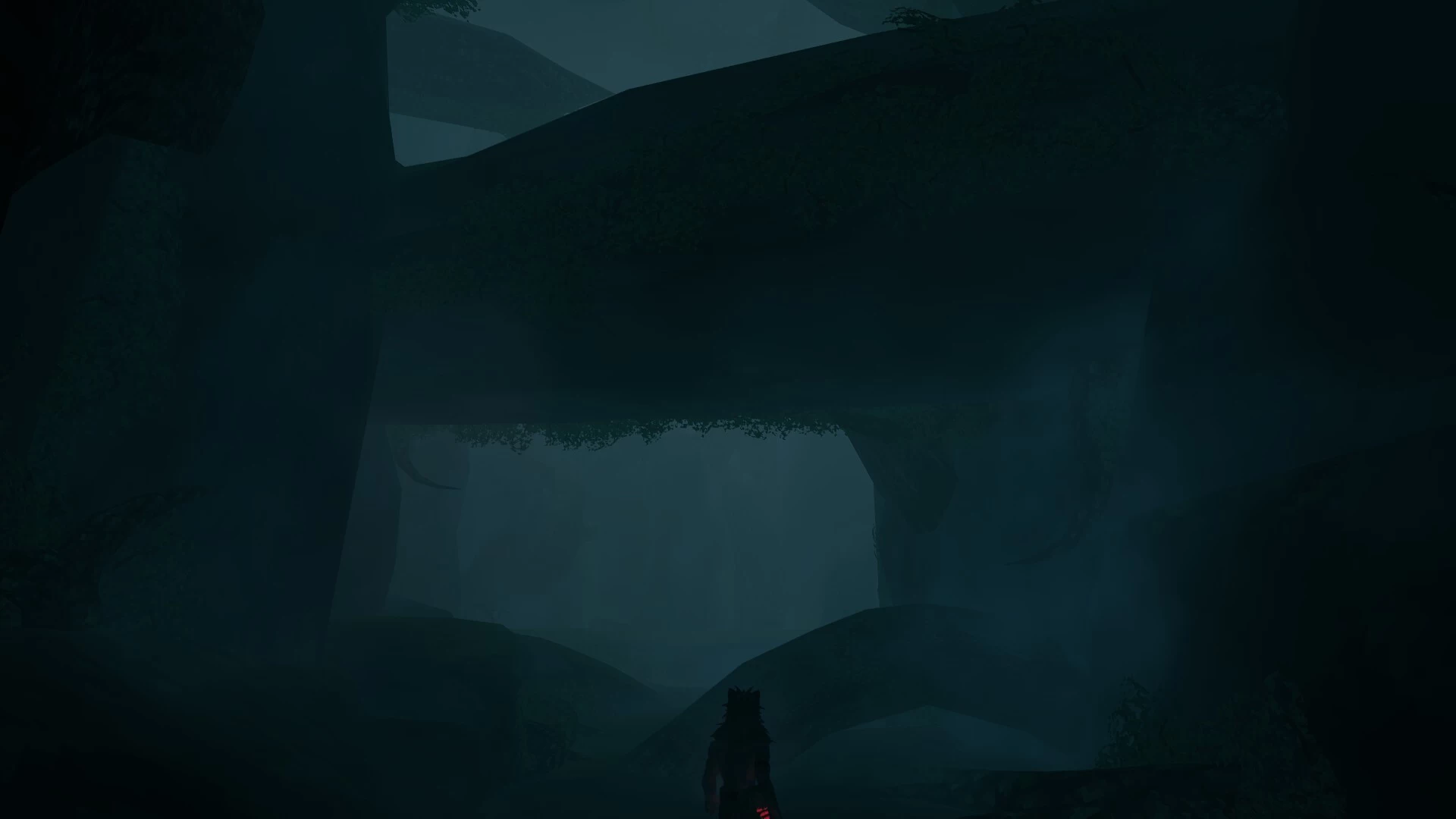
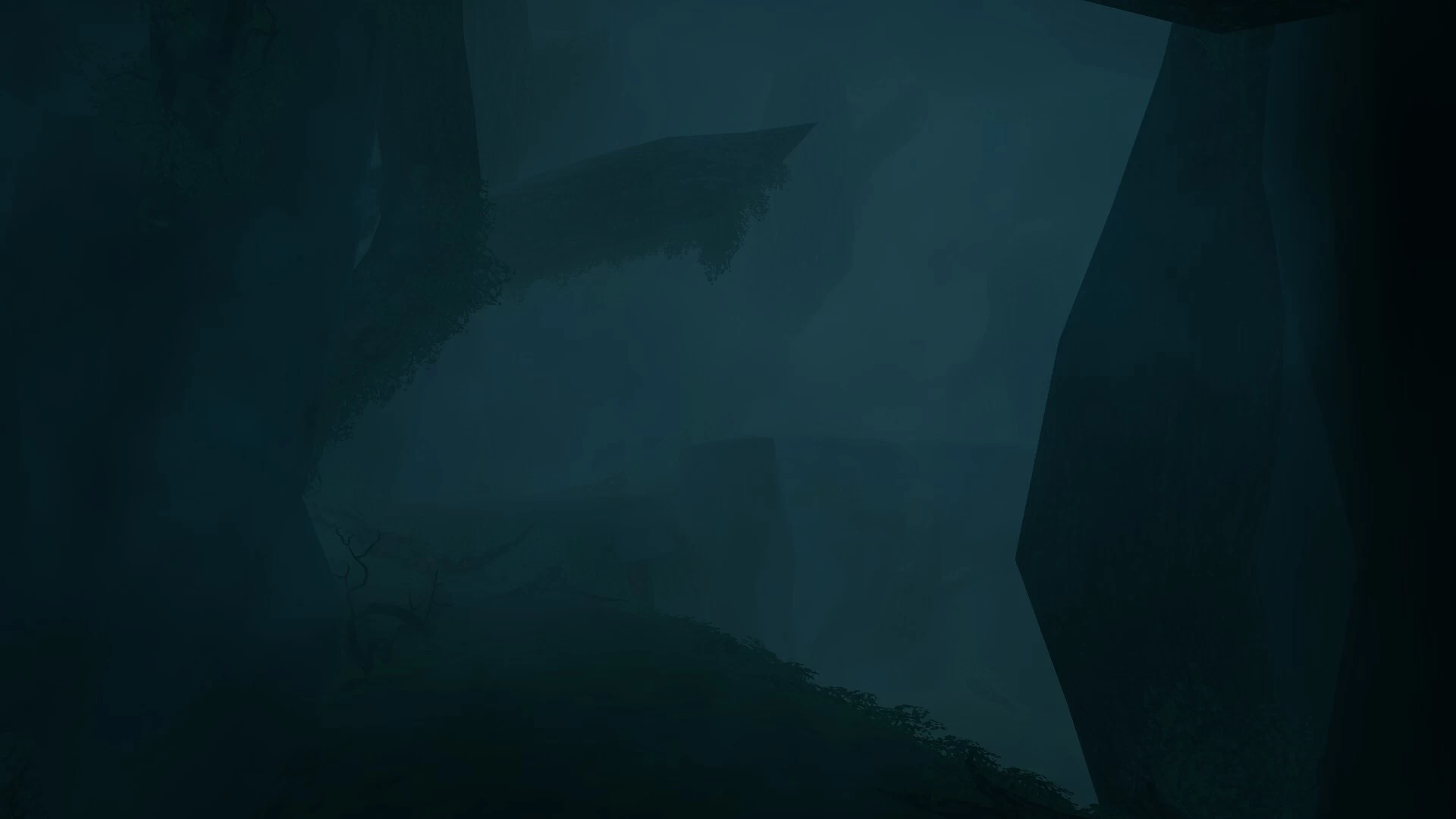
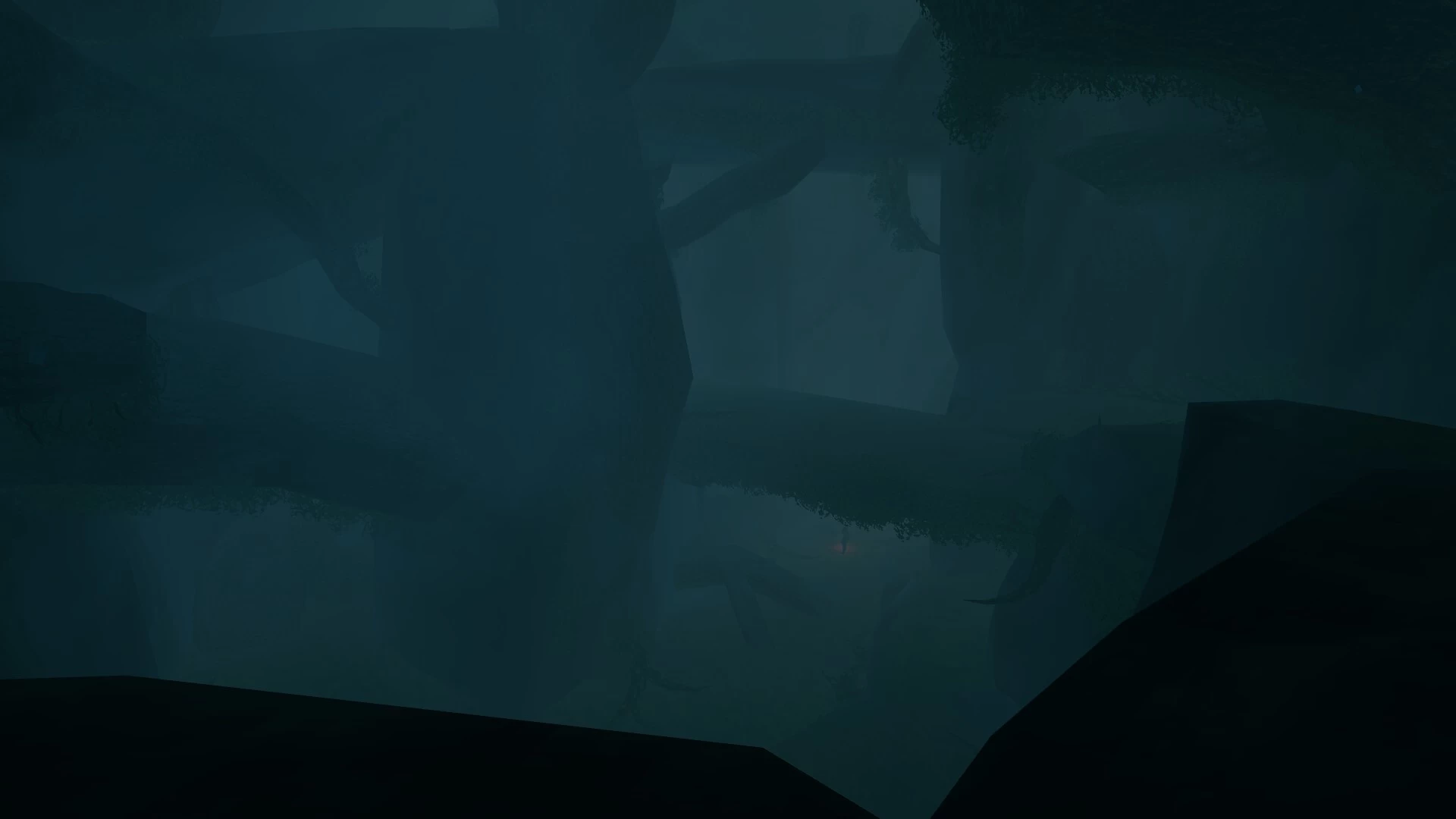
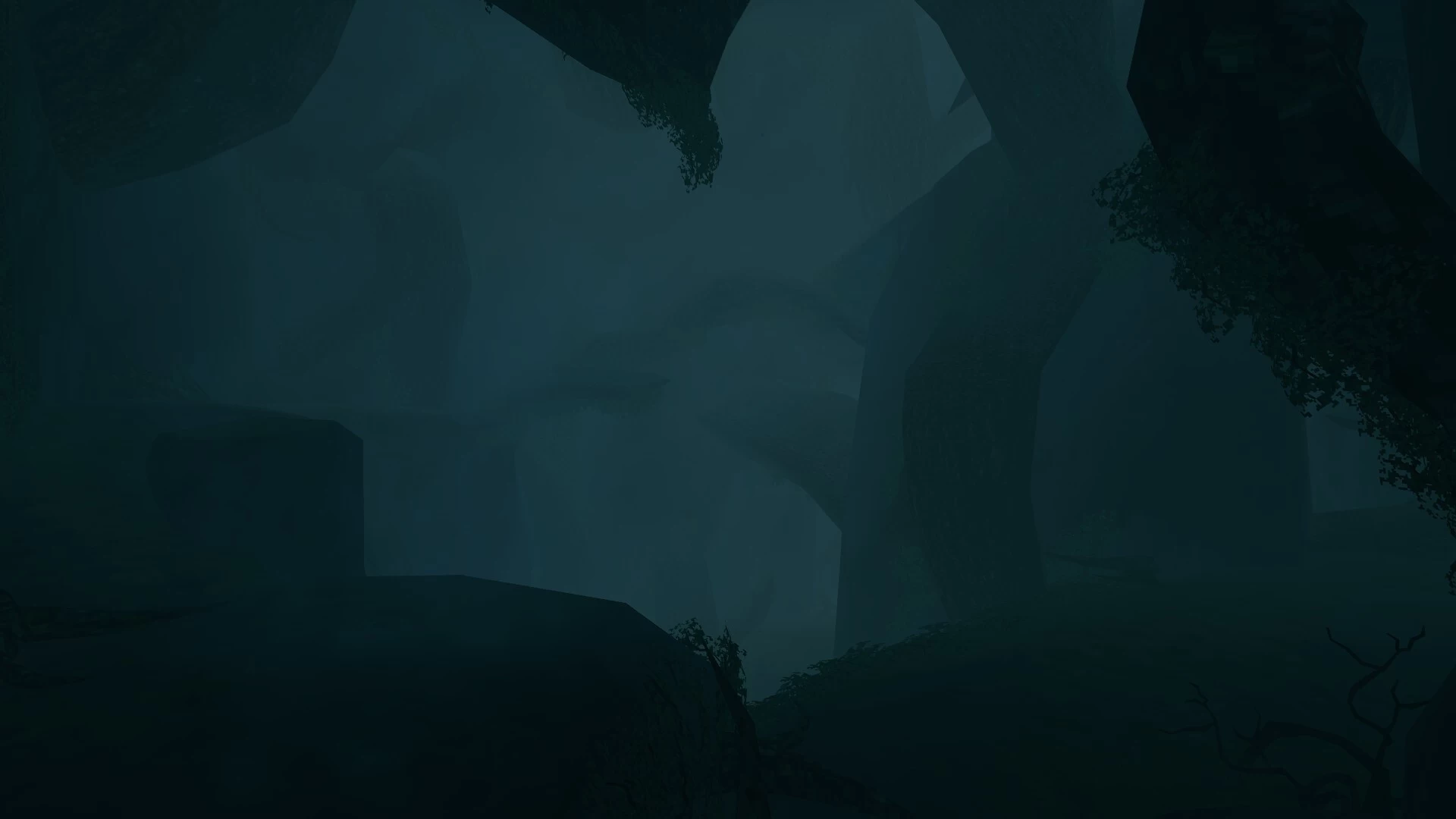
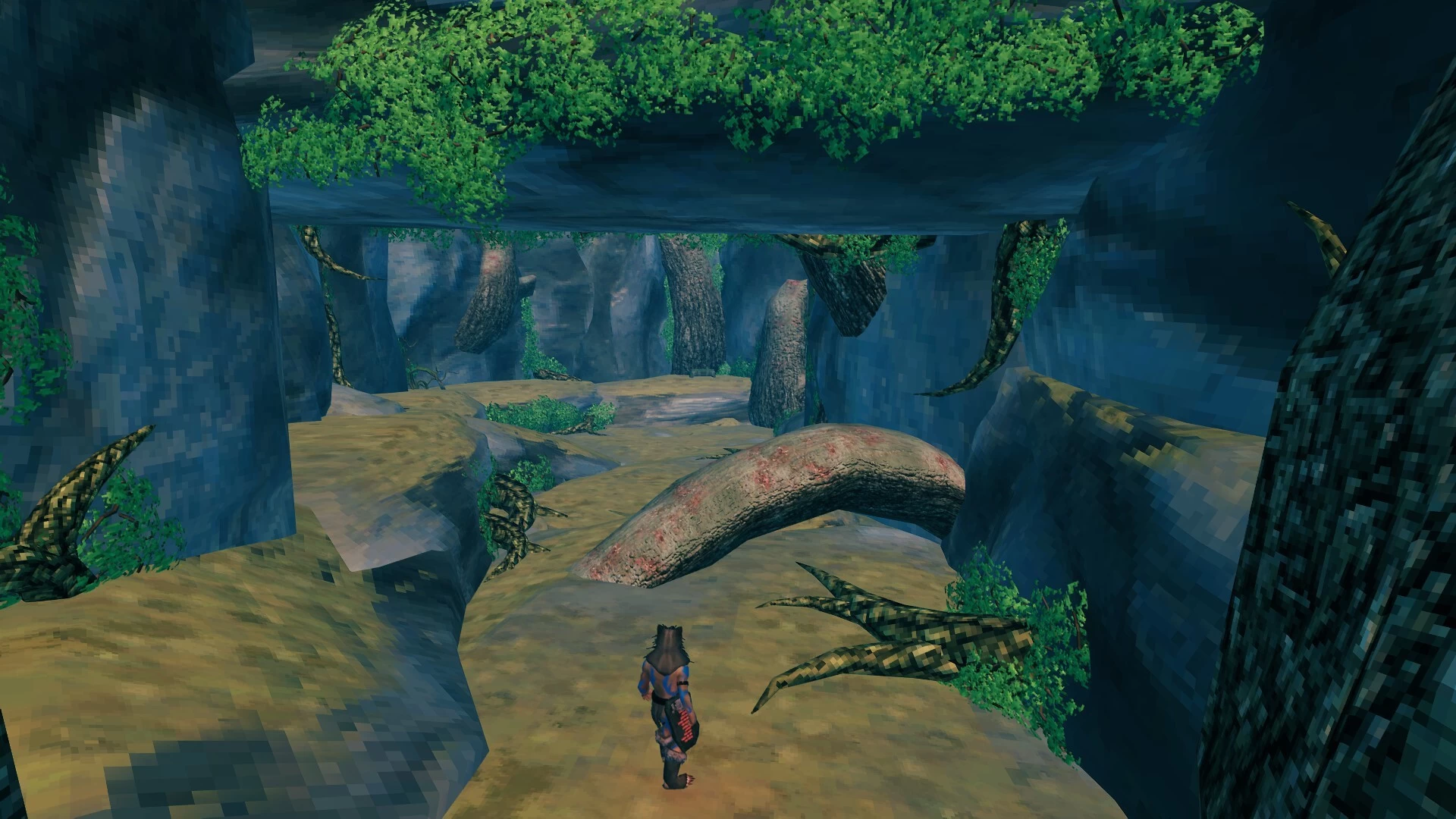
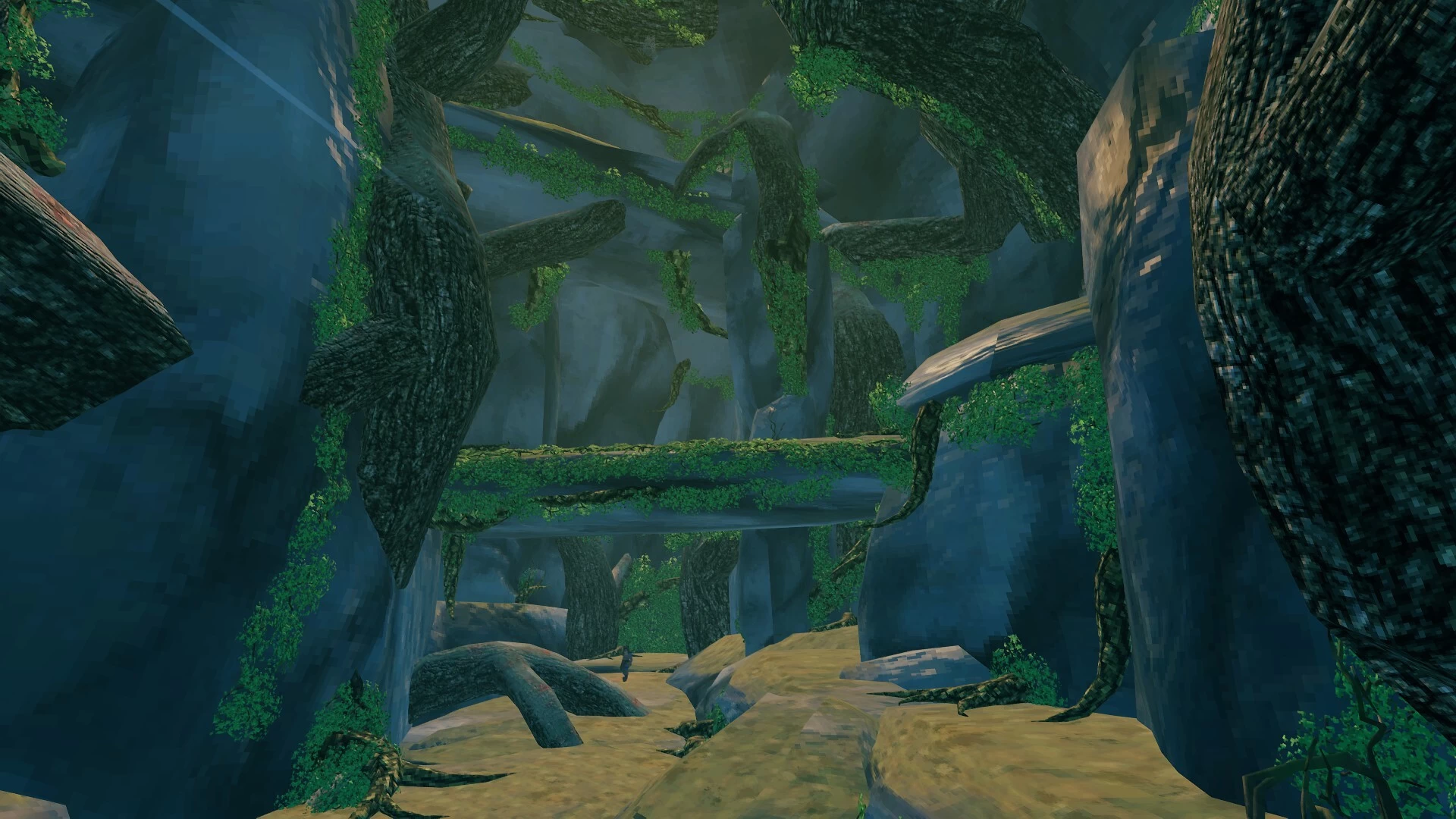
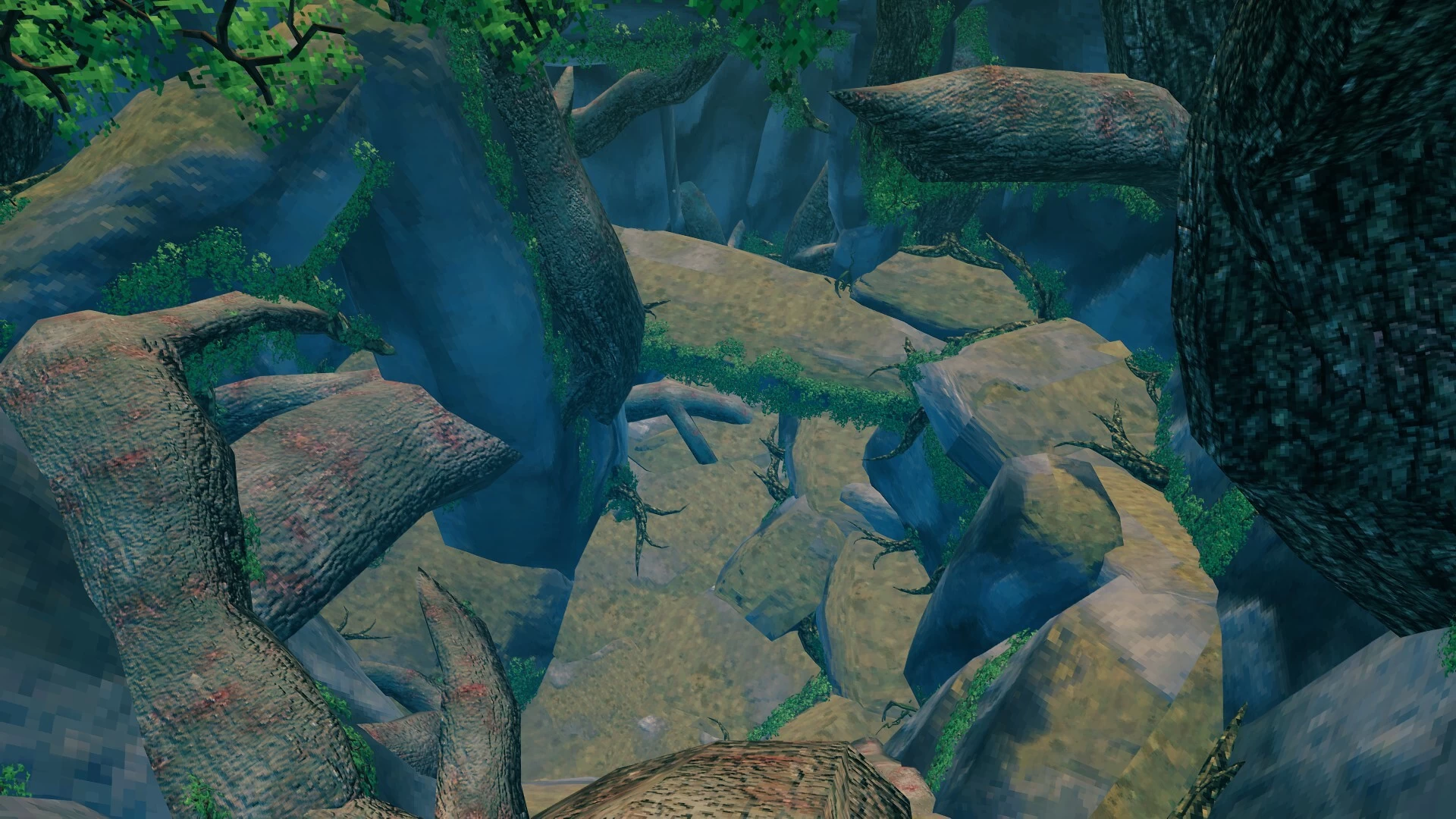
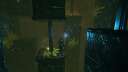
I started working on the Ocean biome dungeons and i wanted to share my progress with the community. I didn’t feel this was 100% done because i run out of ideas for more decorations. Yellow mushrooms or thistle would maybe look nice in this environment but i thought it might be too much. The instance count is less than 1500 so it can take a lot more decorations if someone wants to touch up the details.
The cave is fully functional and playable as it is now.
It has 3 treasure chests with bronze scraps and lvl99 cultivator... and a hidden lvl99 building hammer.
I wasn't quite sure which enemies to put to guard the treasure so i didn’t put spawners inside. I was thinking about custom made enemies and/or mini-boss but i cannot copy them with the blueprint.
I can, however, give some ideas depending on the stage of the game you are at, so feel free to ask in the comments and i will suggest a mini-boss and share the command to spawn it (World Edit Commands mod required).
Step by step instructions how to use blueprints (make sure to use infinite health when placing these blueprints)
1. Find a place in the ocean where you want to put it and find the right altitude. Right altitude for an artificial island (entrance) would be at 30-32 meters. That is the last number in your POS coordinates (X,Y,Z)
2. Use the command to spawn frost cave in front of your character:
3. Now that we have a cave entrance we can work with, let's remove excess of materials around the cave (rocks, stalagmites, stalactites, etc). The command is:
4. Place the OceanCave Entrance blueprint. Select the blueprint and try to aim at the front bottom part of the cave entrance to cover everything left of the frost cave entrance (making blueprints more opaque in Planbuild settings might help here). This is a bit tricky and might require several attempts. Don't forget you can use BP.UNDO to undo the placement of a blueprint if you didn't get it right.
5. Now that the entrance is done, let's move inside. Enter the dungeon and remove everything inside using PlanBuild removal tool. Don't worry, the white box for the entrance cannot be removed this way. Hold Alt and click to remove bigger area at once.
6. When everything is cleared, place the DeepOceanCave blueprint aiming at the top of the white box. I added wooden beams to make it easier to align the blueprint with the white box.
The reason i used mountain cave for this build is to make it feel cold and wet as it is supposed to be deep below the ocean. This means that you will have COLD and FREEZING debuff most of the time. I think this adds a good challenge at the BF or Swamps stage of the game.
If you want to rename it and make it show Deep Ocean Cave when you enter instead of Frost Cave, aim at the white box and type this command:
This build is vanilla friendly.
Let me know if you need any help with setting up this dungeon.
Mods used:
Planbuild
Infinity hammer
World Edit Commands
- the same mods are required for setting it up in your world
The cave is fully functional and playable as it is now.
It has 3 treasure chests with bronze scraps and lvl99 cultivator... and a hidden lvl99 building hammer.
I wasn't quite sure which enemies to put to guard the treasure so i didn’t put spawners inside. I was thinking about custom made enemies and/or mini-boss but i cannot copy them with the blueprint.
I can, however, give some ideas depending on the stage of the game you are at, so feel free to ask in the comments and i will suggest a mini-boss and share the command to spawn it (World Edit Commands mod required).
Step by step instructions how to use blueprints (make sure to use infinite health when placing these blueprints)
1. Find a place in the ocean where you want to put it and find the right altitude. Right altitude for an artificial island (entrance) would be at 30-32 meters. That is the last number in your POS coordinates (X,Y,Z)
2. Use the command to spawn frost cave in front of your character:
Spawn_location MountainCave02 pos=0,0,0 - this will spawn mountain cave in front of your character and raise the ground to that point.3. Now that we have a cave entrance we can work with, let's remove excess of materials around the cave (rocks, stalagmites, stalactites, etc). The command is:
object id=*rock* radius=50 remove - this will remove everything containing word *rock* in it's name in 50 meters radius. Luckily, everything added around the mountain cave entrance has*rock* in it's name and running this command will leave the entrance as the only instance there.4. Place the OceanCave Entrance blueprint. Select the blueprint and try to aim at the front bottom part of the cave entrance to cover everything left of the frost cave entrance (making blueprints more opaque in Planbuild settings might help here). This is a bit tricky and might require several attempts. Don't forget you can use BP.UNDO to undo the placement of a blueprint if you didn't get it right.
5. Now that the entrance is done, let's move inside. Enter the dungeon and remove everything inside using PlanBuild removal tool. Don't worry, the white box for the entrance cannot be removed this way. Hold Alt and click to remove bigger area at once.
6. When everything is cleared, place the DeepOceanCave blueprint aiming at the top of the white box. I added wooden beams to make it easier to align the blueprint with the white box.
The reason i used mountain cave for this build is to make it feel cold and wet as it is supposed to be deep below the ocean. This means that you will have COLD and FREEZING debuff most of the time. I think this adds a good challenge at the BF or Swamps stage of the game.
If you want to rename it and make it show Deep Ocean Cave when you enter instead of Frost Cave, aim at the white box and type this command:
object f=Teleport,enterText,"Deep Ocean Cave"This build is vanilla friendly.
Let me know if you need any help with setting up this dungeon.
Mods used:
Planbuild
Infinity hammer
World Edit Commands
- the same mods are required for setting it up in your world
More like this

 smskcntr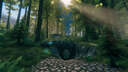

 Isepic
3507
2



 Franco Petrielli
 Arbby
Arbby
Have something to say?
also you can have planbuild on your server without forcing players to install it. Just disable server sync in config file.
Okay, so when trying to place the first blueprint (entrance), I'm met with a flood of red text in my console. Something about "input string was not in a correct format". I guess PB and IH aren't compatible for blueprints...
I’m sorry you are not able to use it without PB.
its the perfect area to place a costum Boss inside, named and changed stats ofc ^^
Pls work on new Projects, cant wait to see more :D Mabe a own Dungeon? ;D
the ocean biome is lacking content and this is a cool way to add something interesting there for players to discover. Also, building here is almost unlimited as the biome doesn’t have any natural instances so the builds can be pretty elaborate.
The only problem i see here is that it’s not progress related (can be accessed at any stage of the game), so it’s difficult to make a finished product with all the relevant materials and enemies that will follow the world progression. So instead of making several versions of the dungeon for each stage of the game, i have to leave it unfinished for users to add the final touch.
if you need a help with custom boss or mini-boss ideas, just let me know which enemy would you like to have customized and i will share a spawn command (something like mini bosses in my Torment arena or Chillspire hollow builds).