
• 4/10/26 11:54 am
- 500 views • 0 today
- Progress
- 100% complete
- 7
- 1
- 3

53
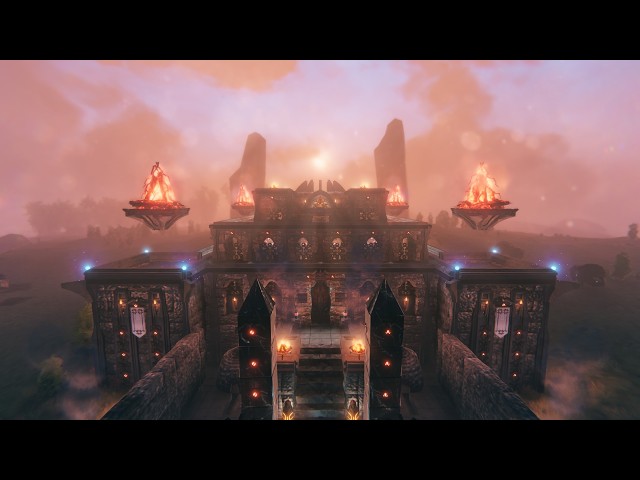
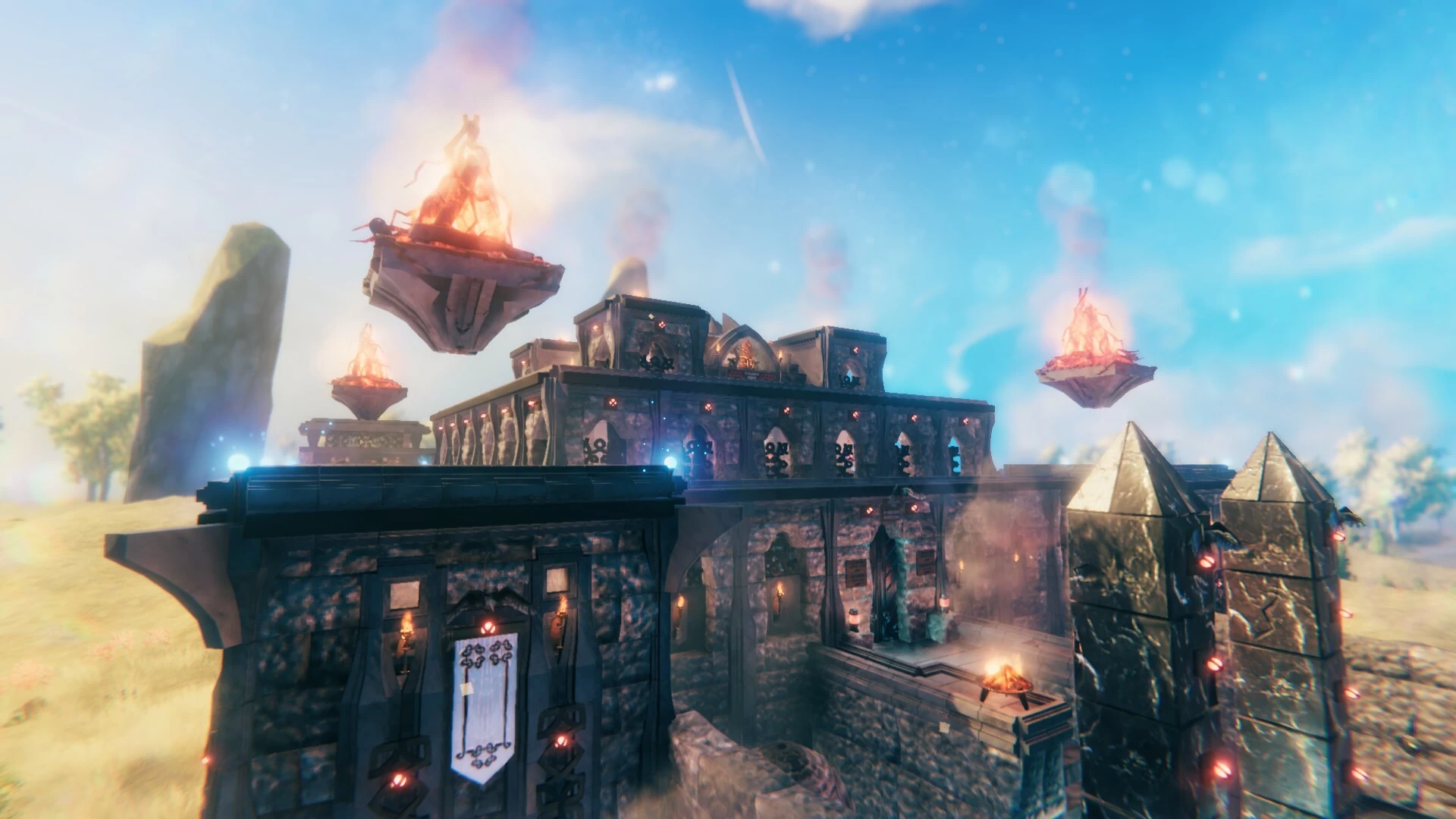
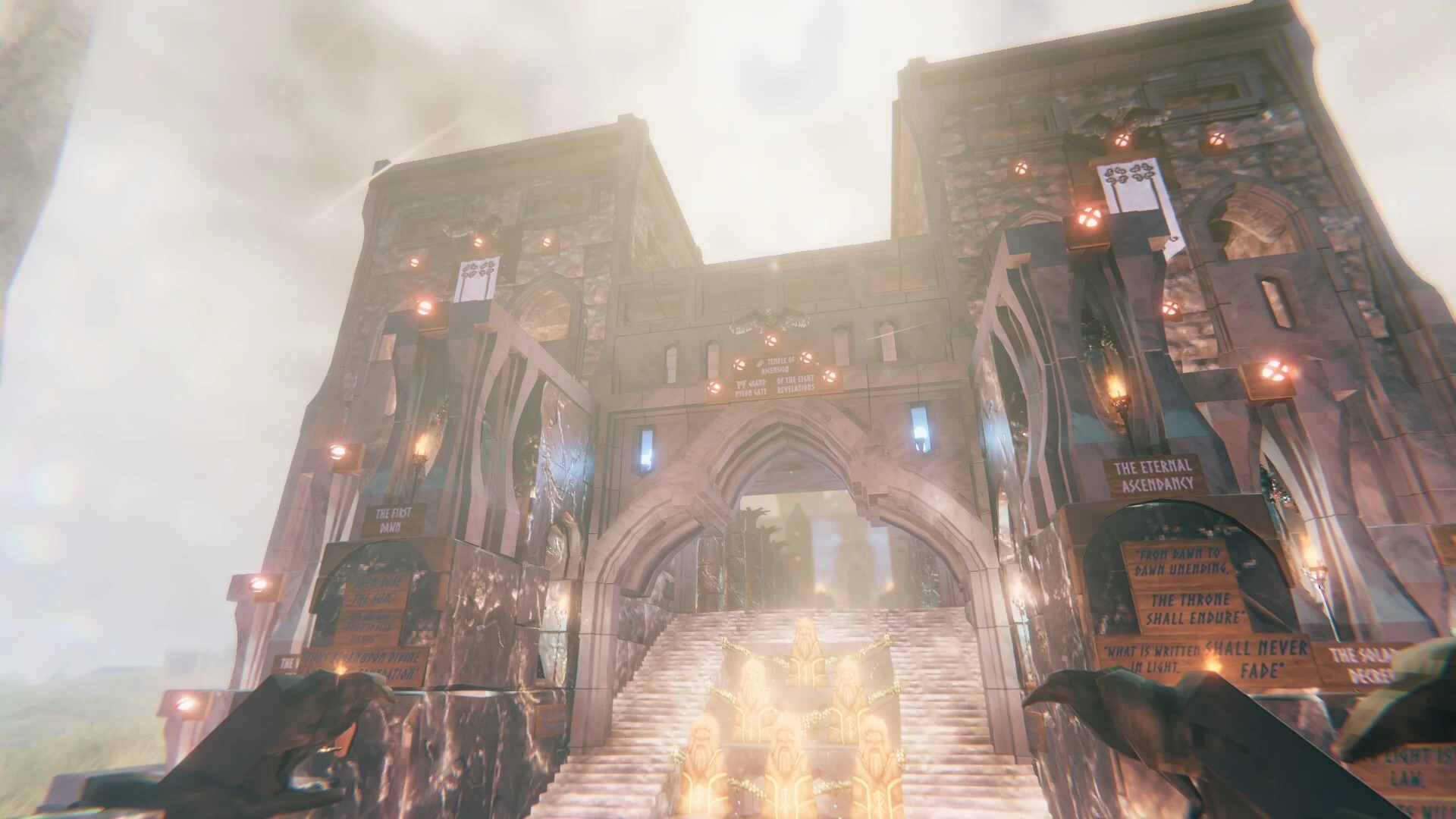
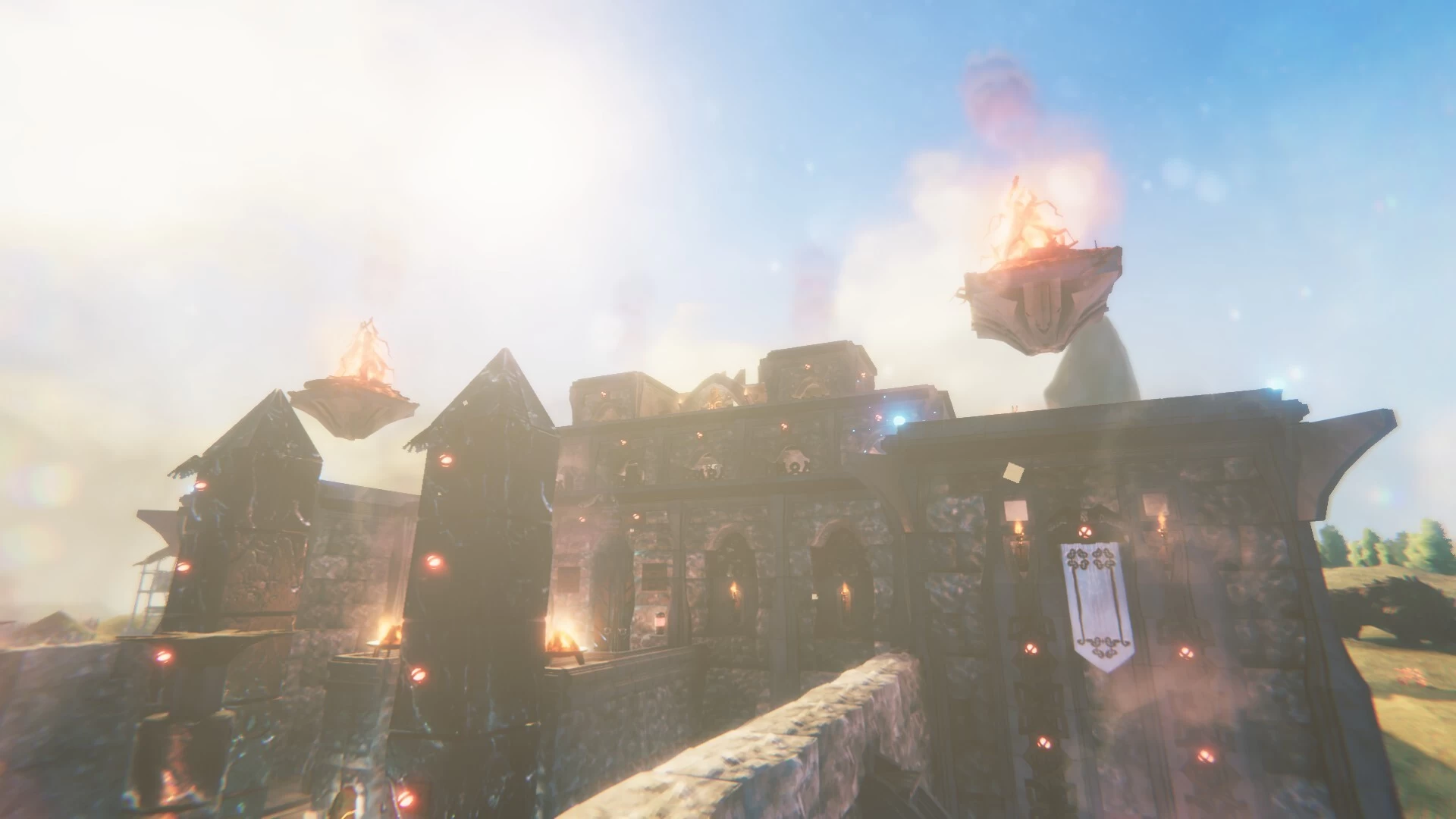
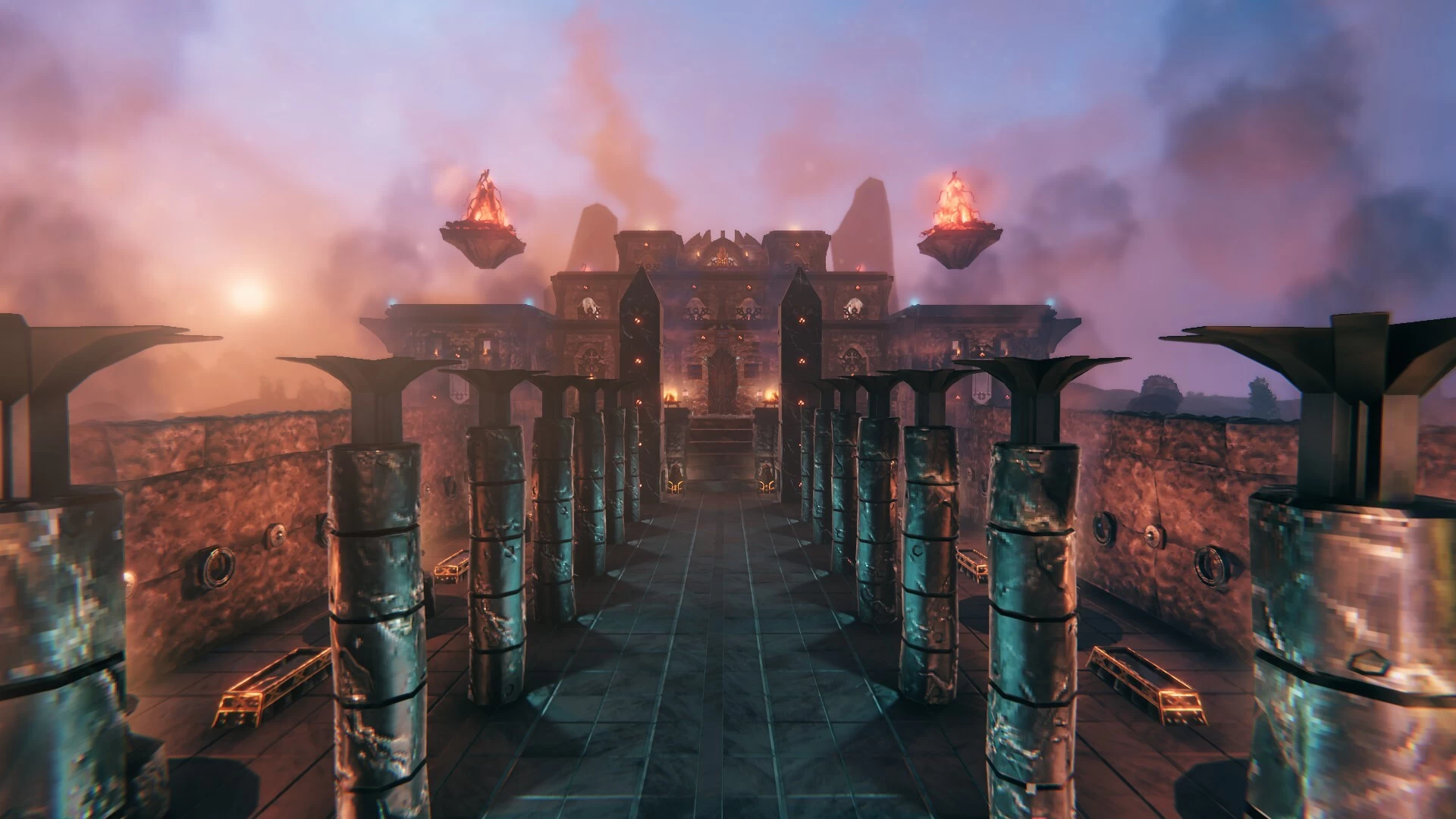
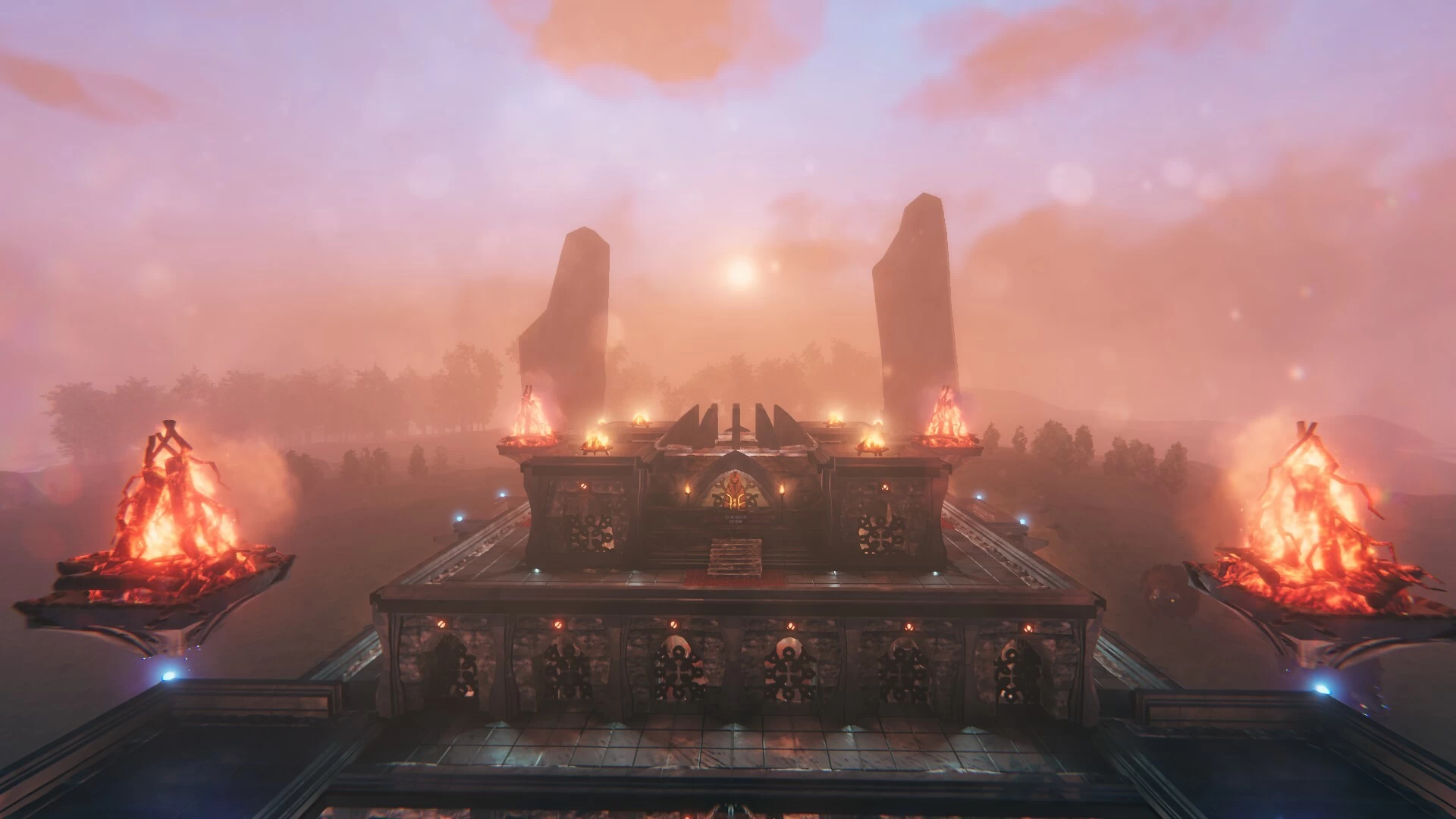
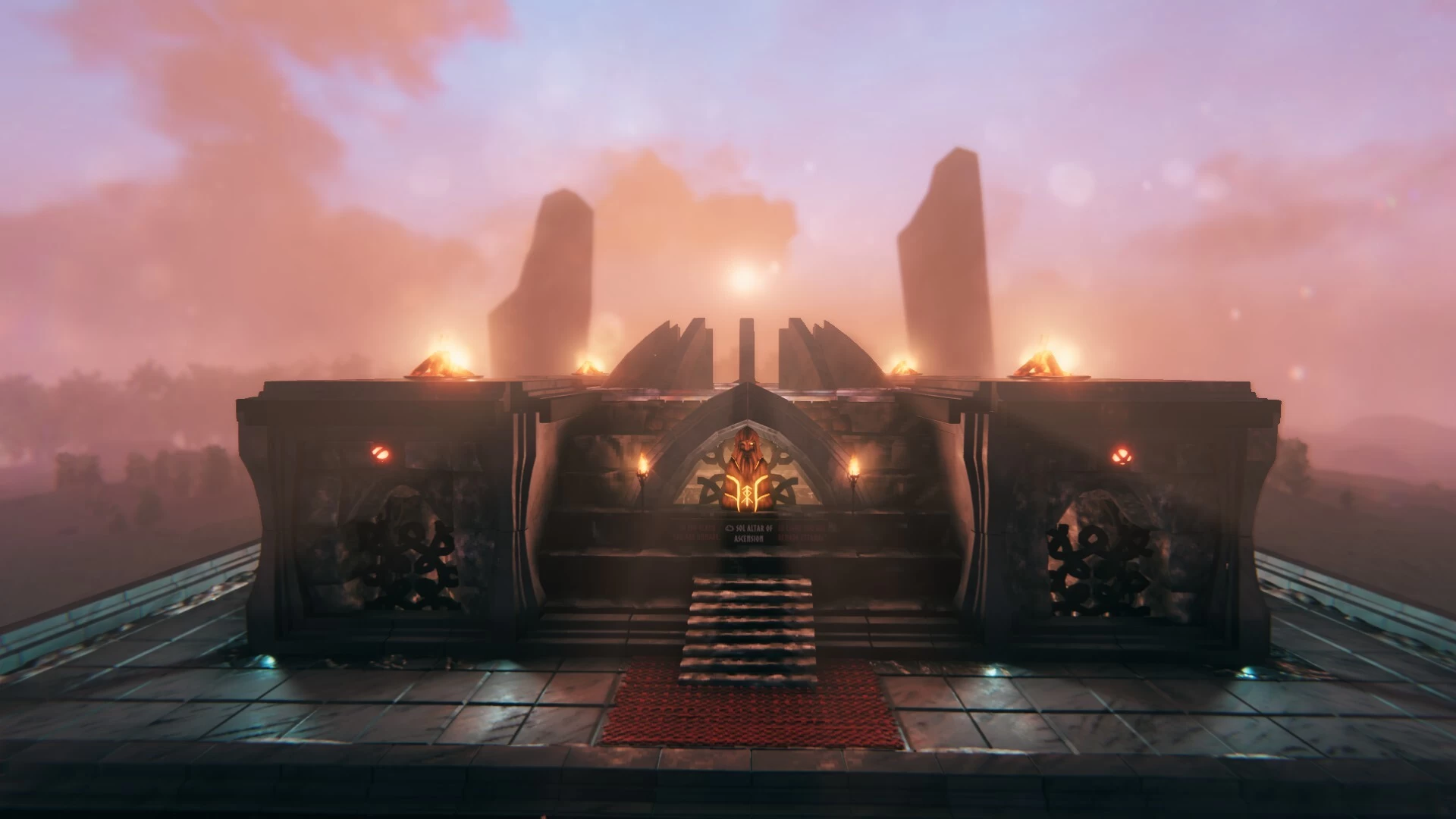
Something a bit different for me.
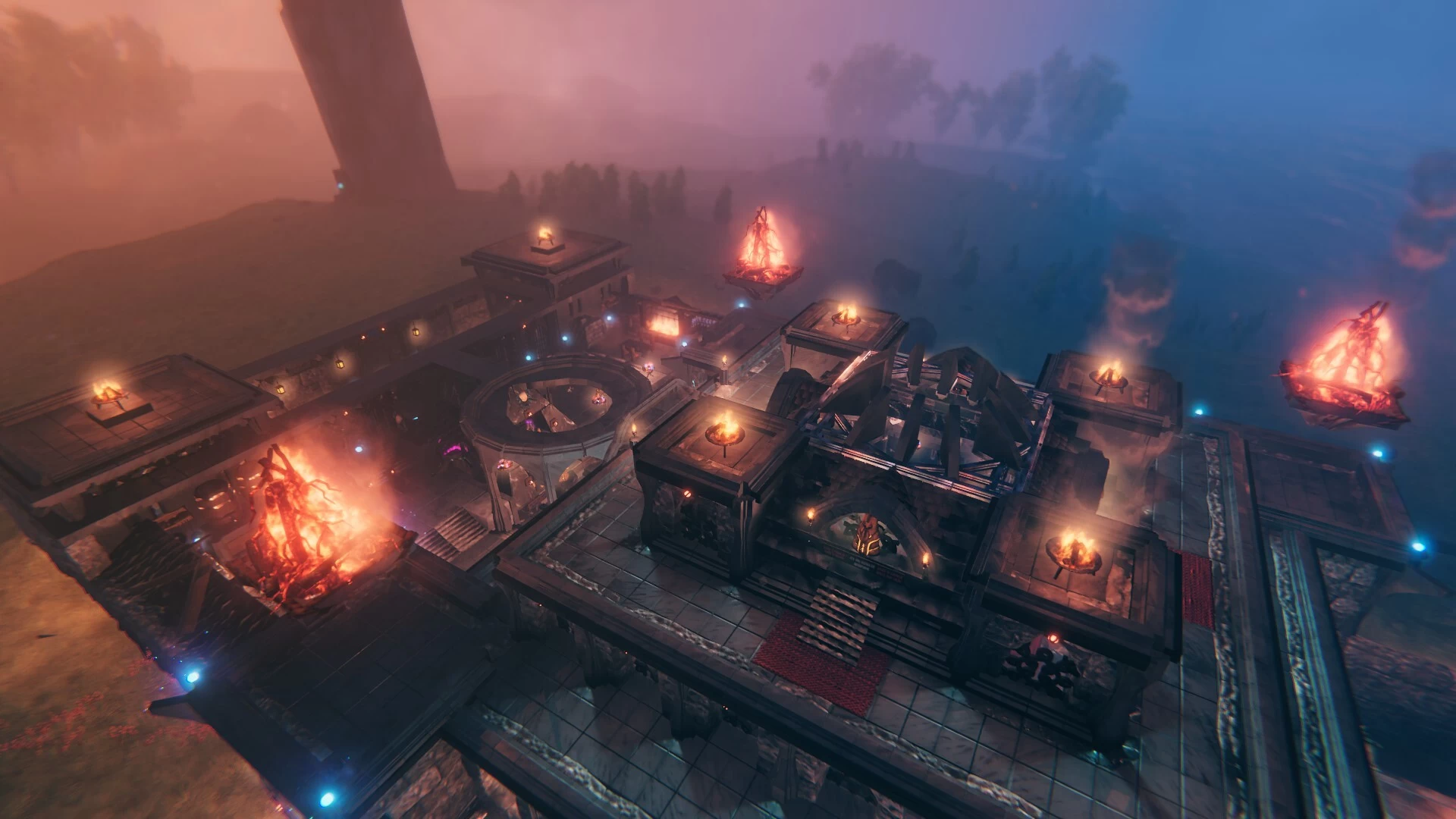
I've been planning a series of mystical prophecies temples to build.
Scattered all throughout my main world map.
One temple per biome (including an Oceans/Lake build).
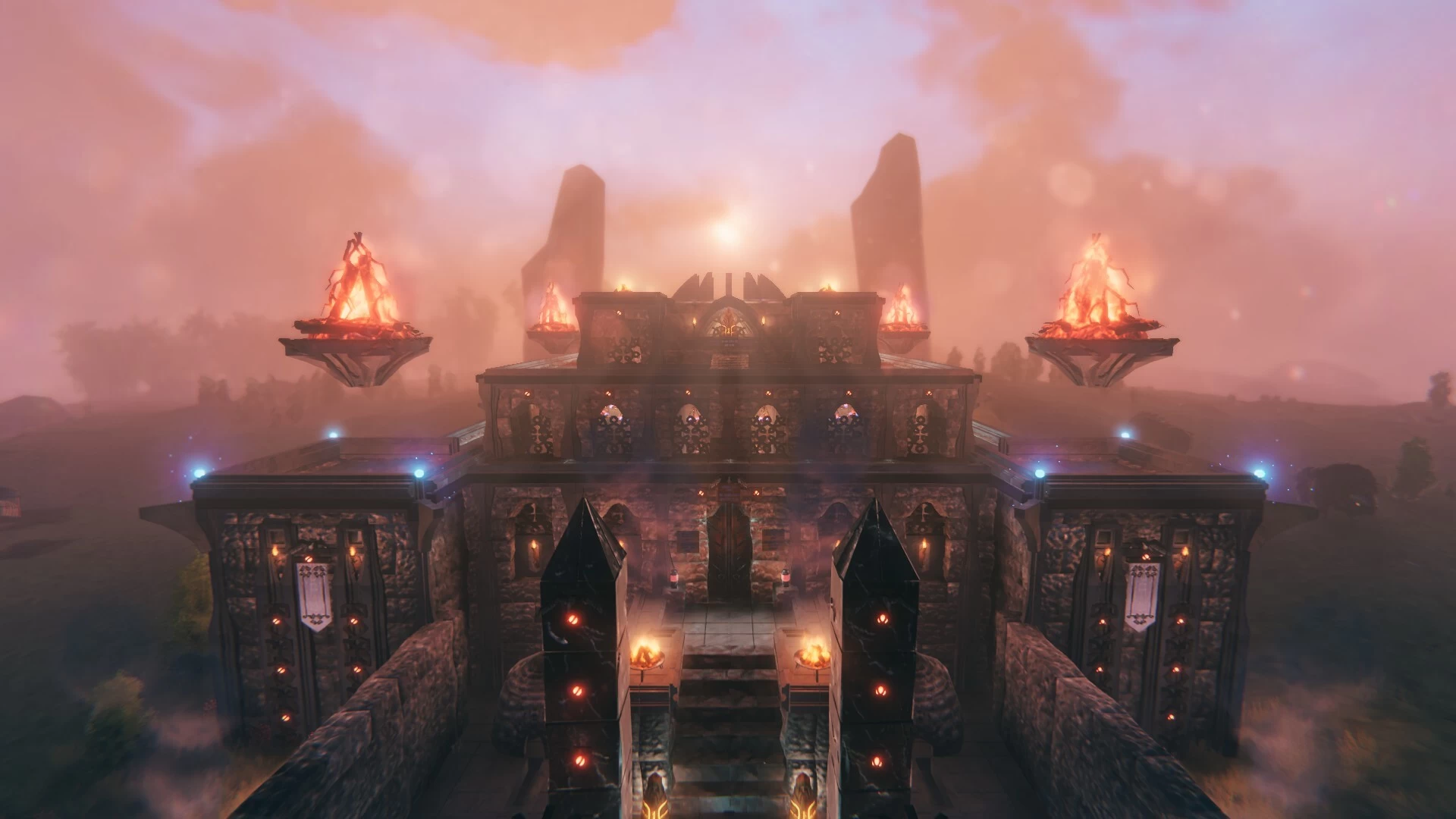
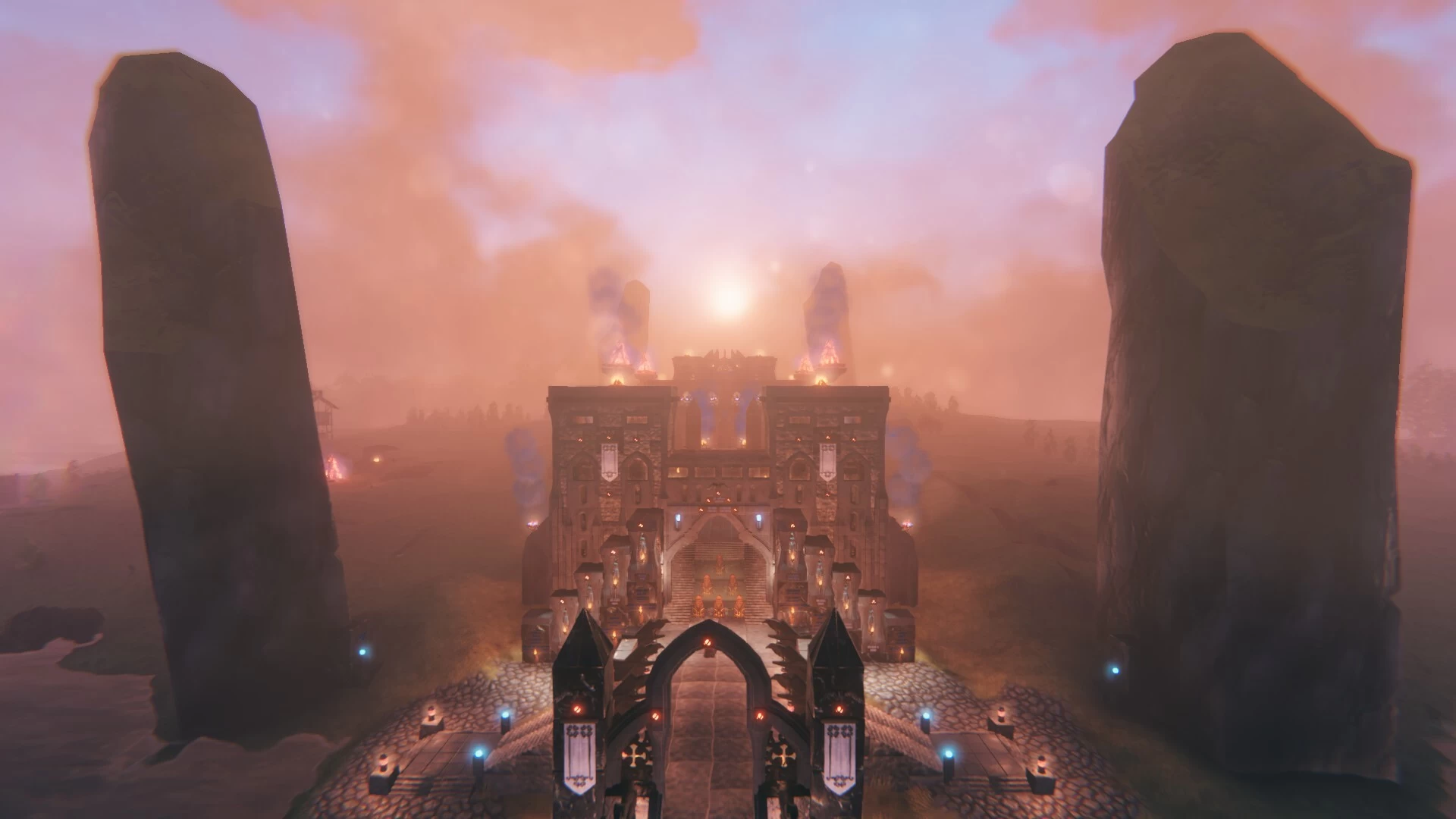
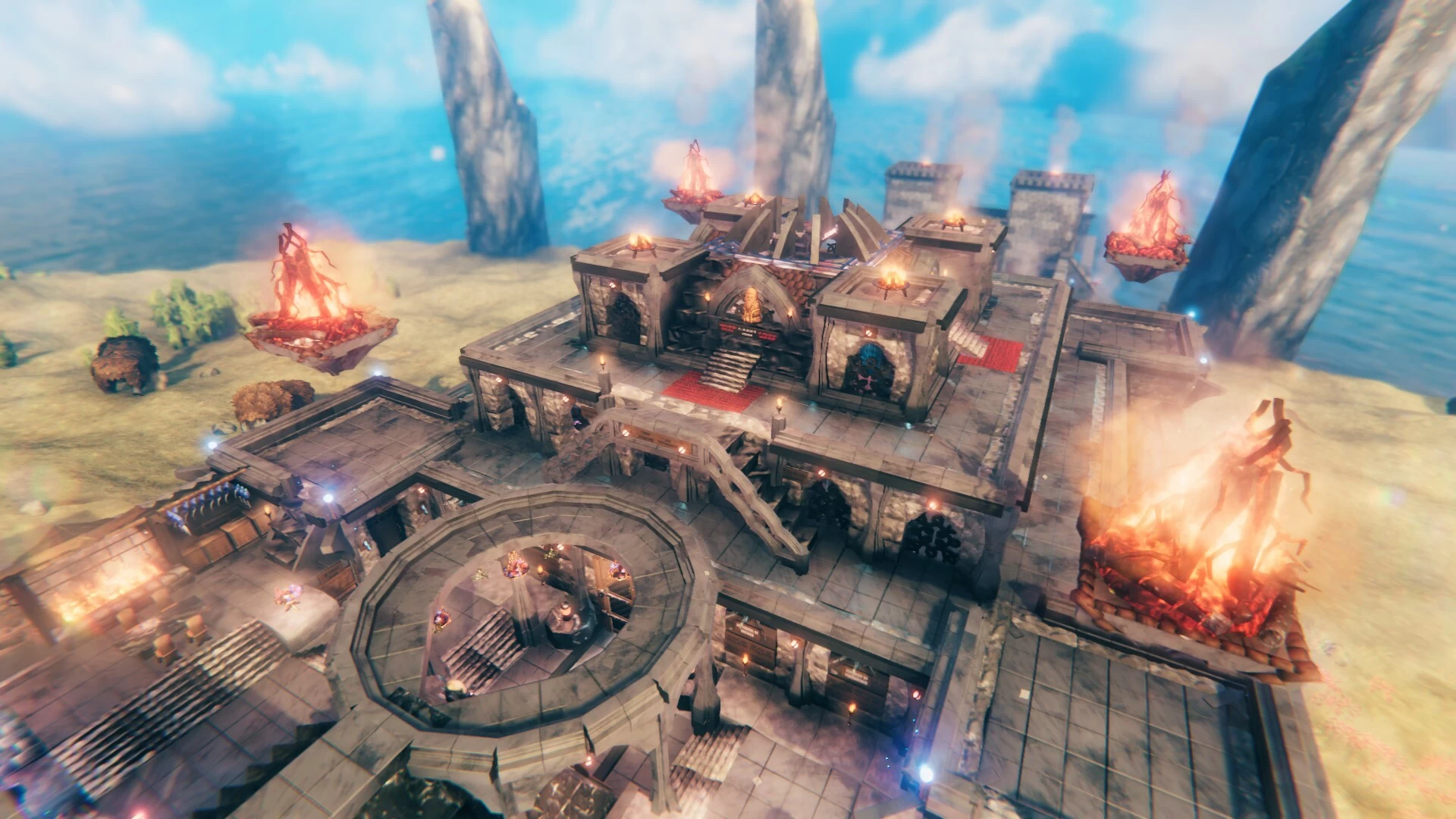
Starting with this one, located on a small Plains (Desert) island.
This one's inspired by the Oracle of Amun at the Siwa Oasis.
Which Alexander the Great had consulted on his supposed divinity.
And of course, a desert temple had to centred around Sun worship.
With a sacred fire pit to burn offerings.
I figured a Desert temple would be a great chance for me to try out Ancient Egyptian designs.
Well, Egyptian-ish at least.
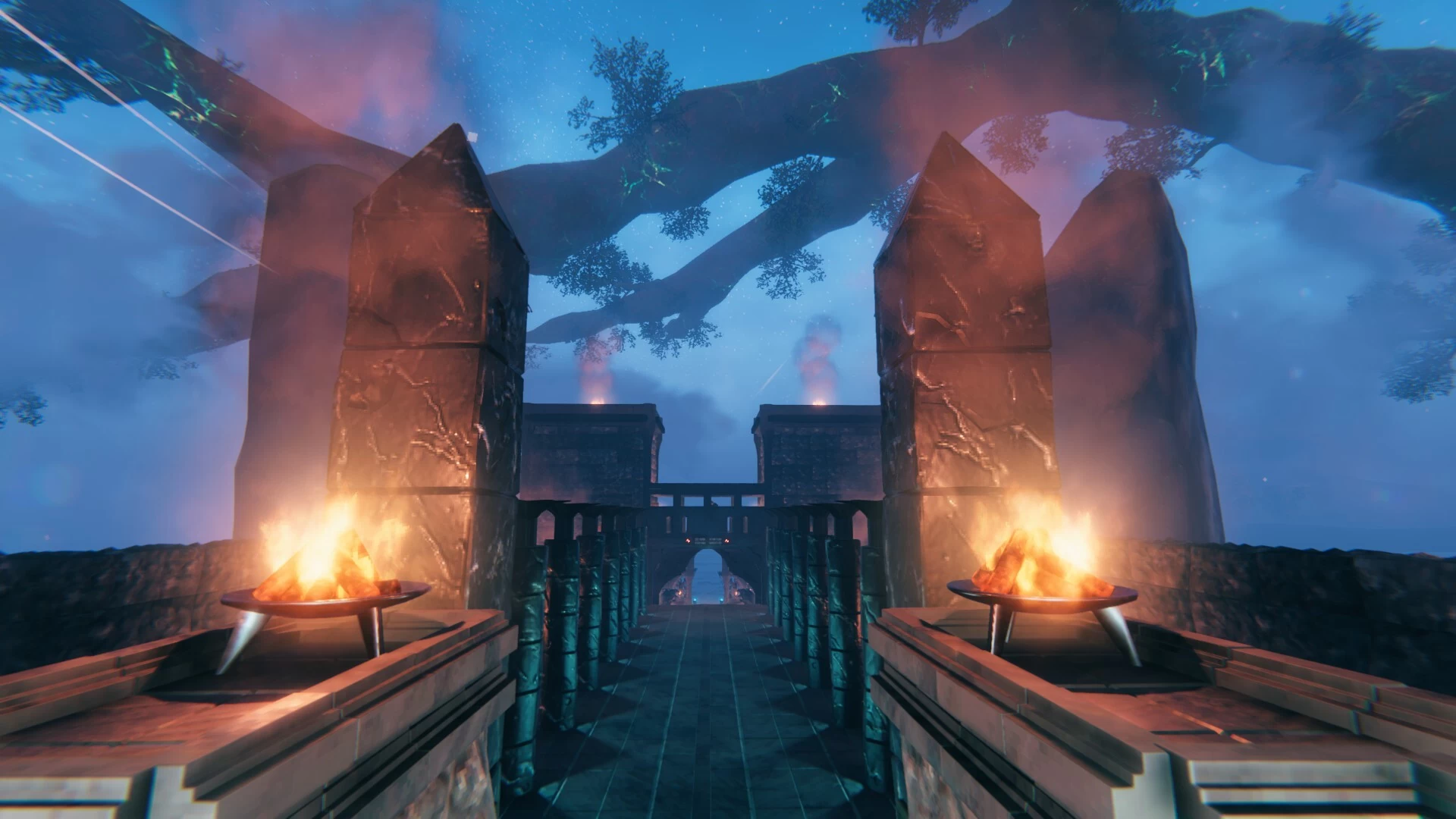
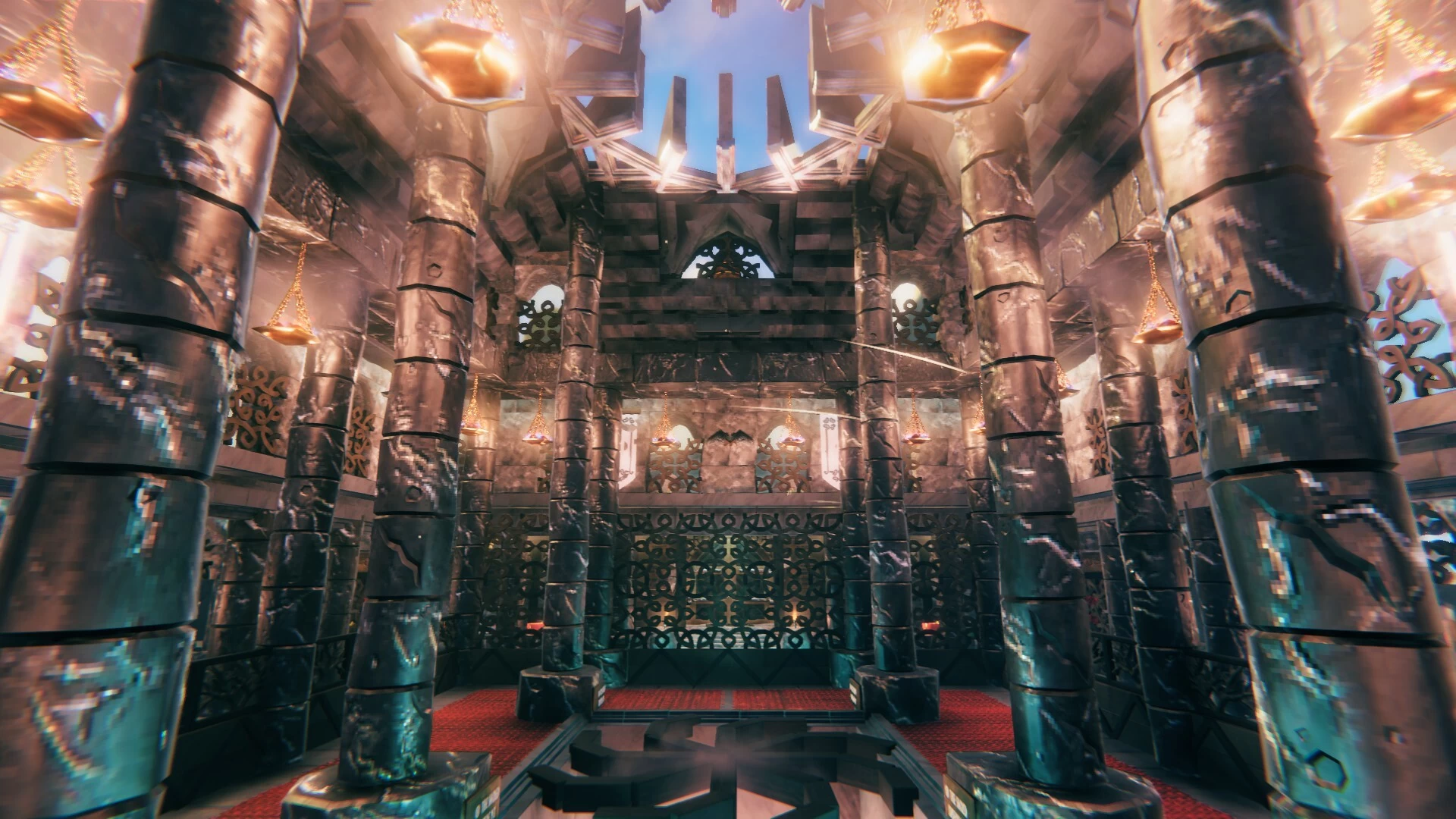
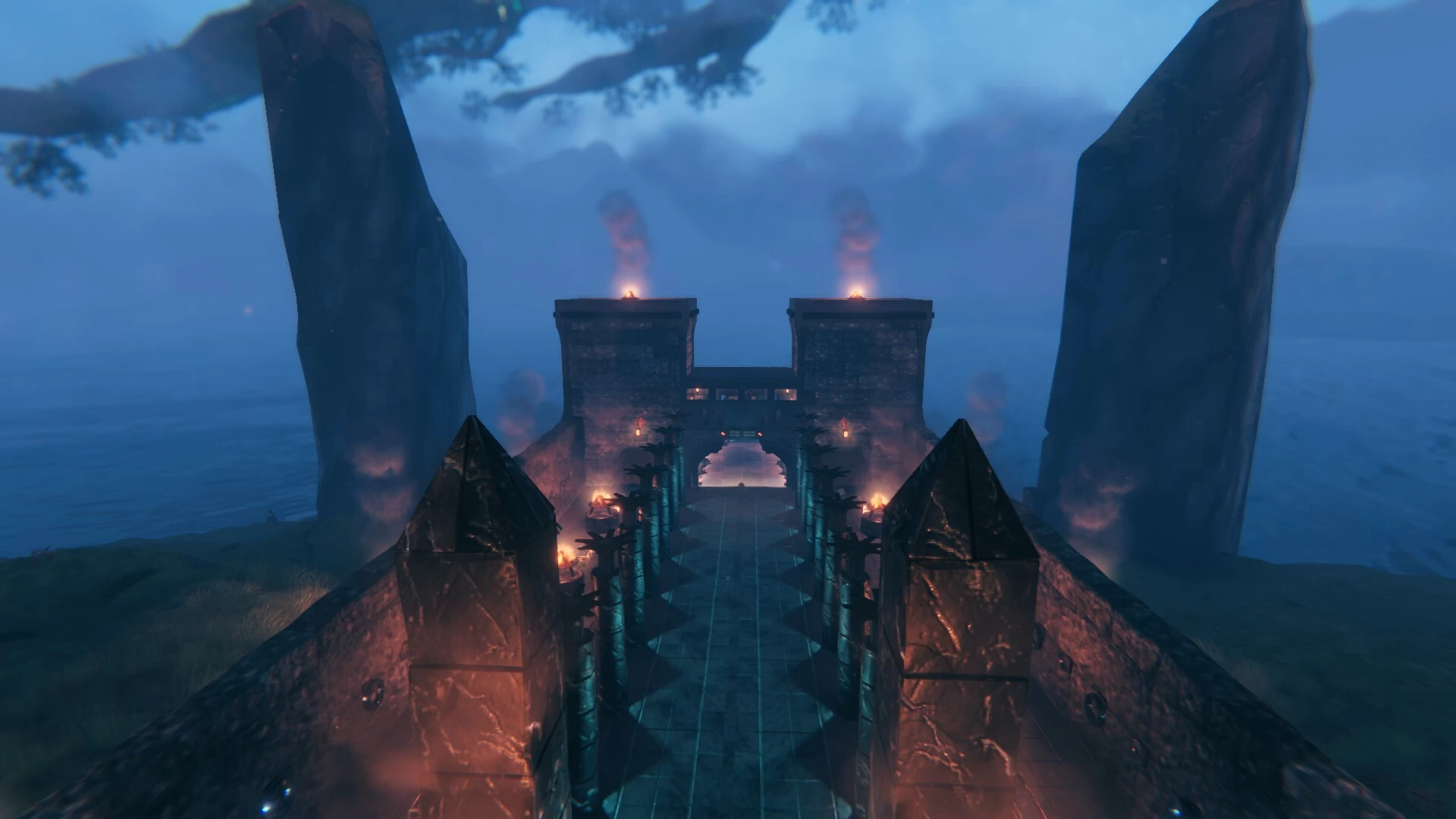
The usual aspects are present in this design.
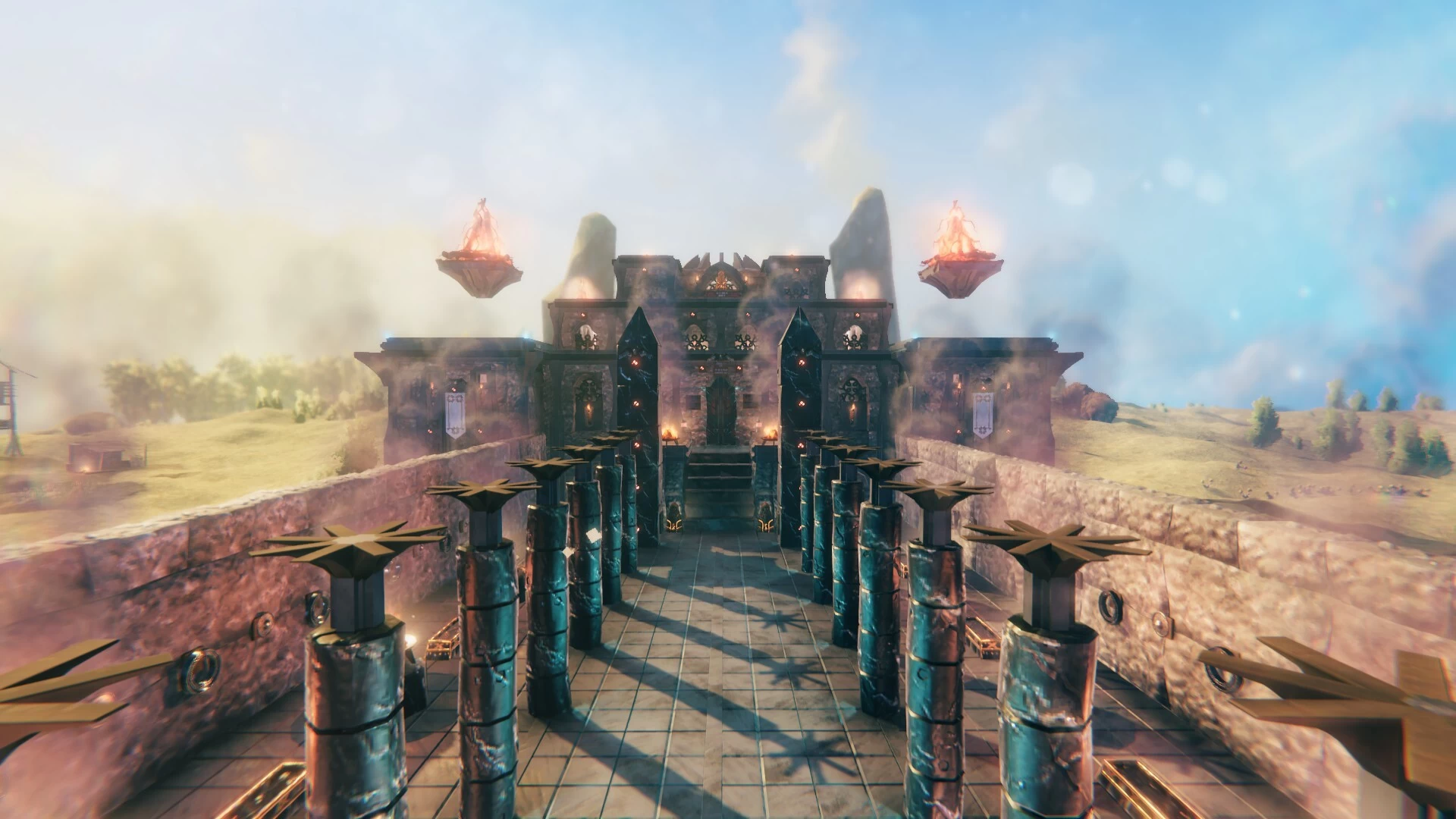
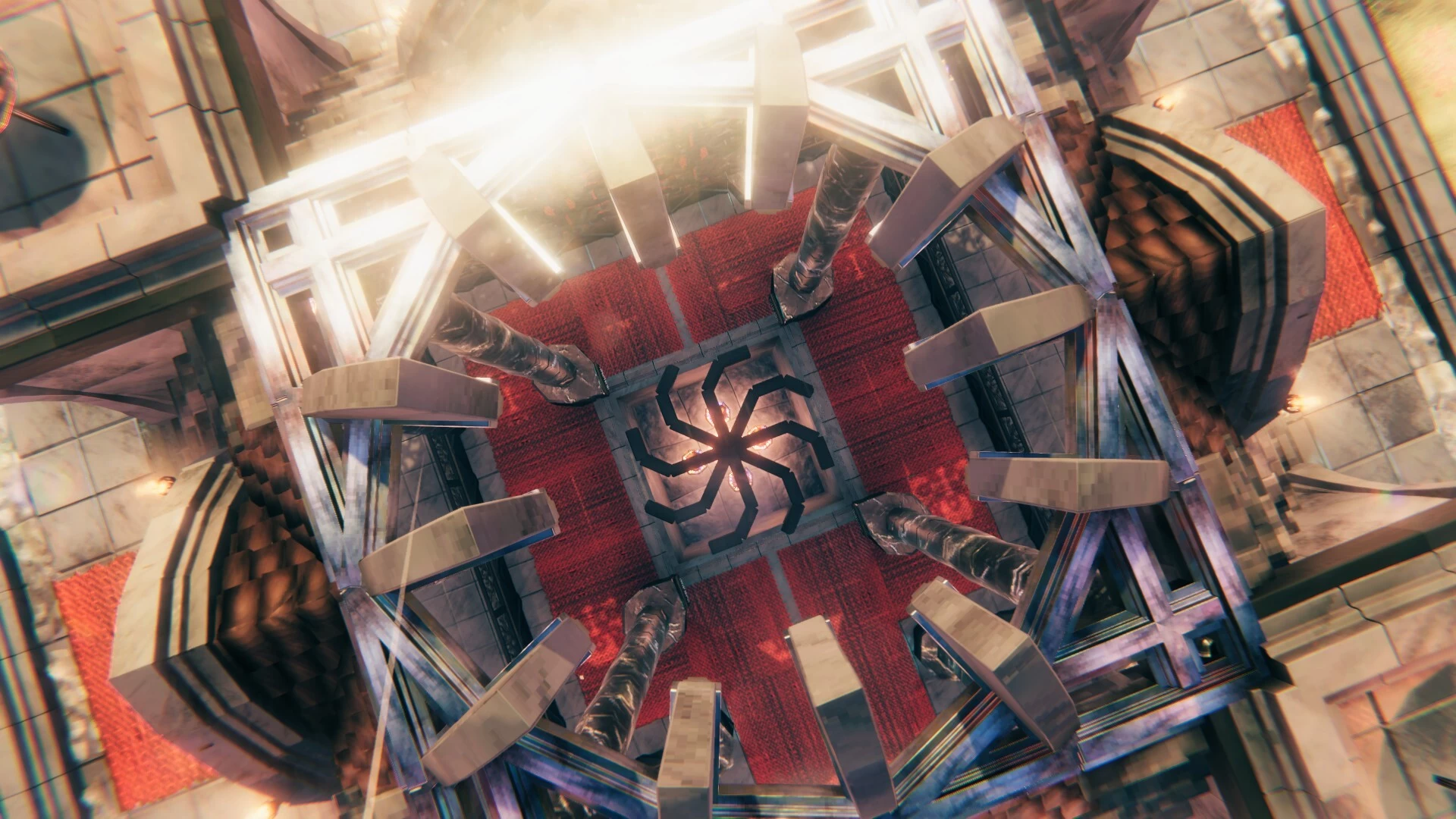
Hypostyle halls & rounded columns.
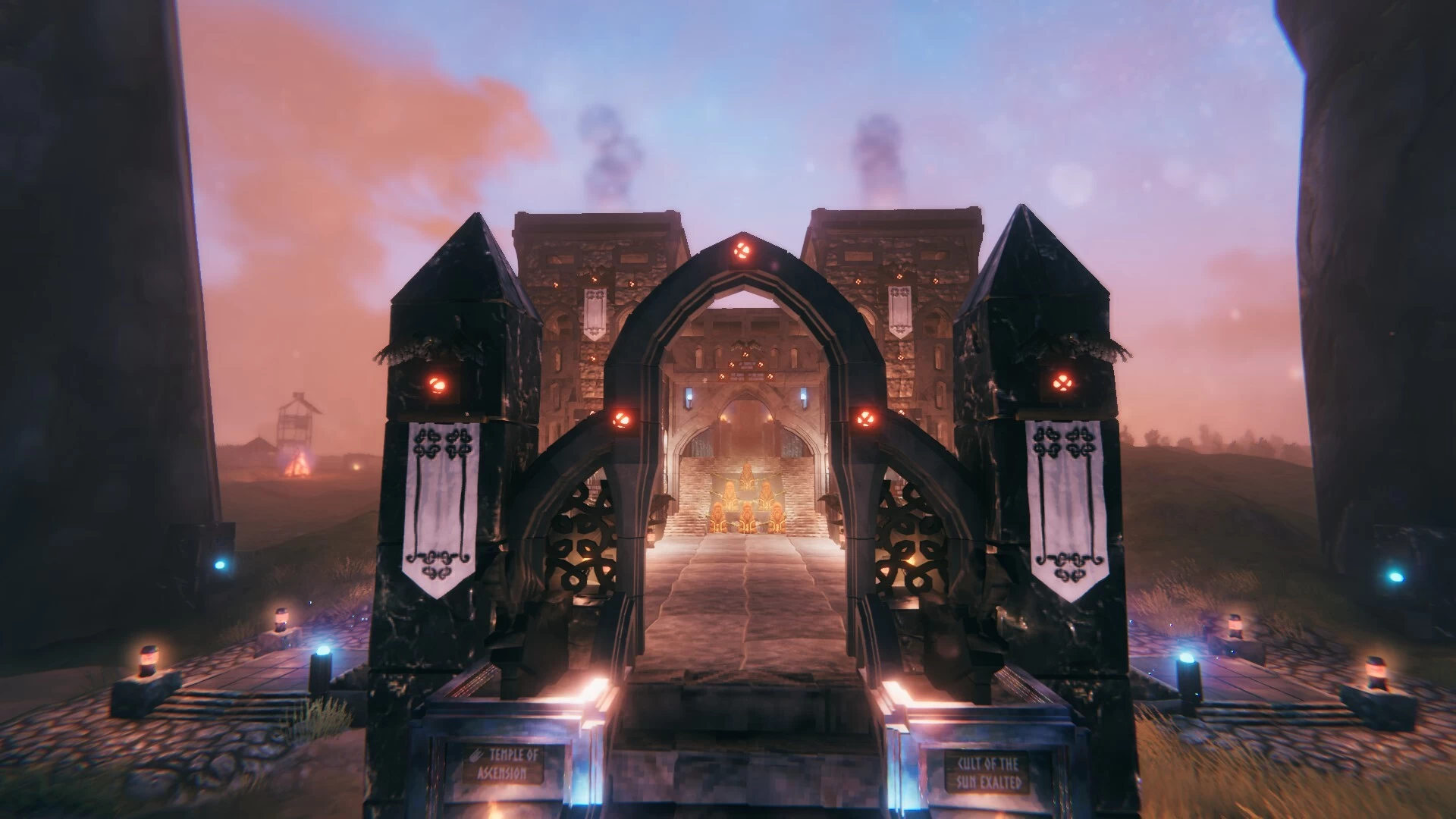
Pylon entrances & flat roofs.
As well as obelisks, using the sharp black marble build pieces.
But the inner temple was more Mesoamerican, with a ziggurat design.
Lore wise, there should be a Head Prophetess (Adoratrice) in charge of the cult here.
Inspired by the Divine Adoratrice of Amun.
Assisted by 4 senior Sun Priestesses, each with their own cult aspects/roles.
Dawn, Revelation, Judgement & Eternity.
AI was again my best tool, for helping me generate interesting inscriptions for my wall reliefs.
As usual, I'll leave the visuals to tell the story.
I've been planning a series of mystical prophecies temples to build.
Scattered all throughout my main world map.
One temple per biome (including an Oceans/Lake build).
Starting with this one, located on a small Plains (Desert) island.
This one's inspired by the Oracle of Amun at the Siwa Oasis.
Which Alexander the Great had consulted on his supposed divinity.
And of course, a desert temple had to centred around Sun worship.
With a sacred fire pit to burn offerings.
I figured a Desert temple would be a great chance for me to try out Ancient Egyptian designs.
Well, Egyptian-ish at least.
The usual aspects are present in this design.
Hypostyle halls & rounded columns.
Pylon entrances & flat roofs.
As well as obelisks, using the sharp black marble build pieces.
But the inner temple was more Mesoamerican, with a ziggurat design.
Lore wise, there should be a Head Prophetess (Adoratrice) in charge of the cult here.
Inspired by the Divine Adoratrice of Amun.
Assisted by 4 senior Sun Priestesses, each with their own cult aspects/roles.
Dawn, Revelation, Judgement & Eternity.
AI was again my best tool, for helping me generate interesting inscriptions for my wall reliefs.
As usual, I'll leave the visuals to tell the story.
More like this

 dobrobeam
 Edgtho the Silent
 Yann
Yann
 Anki
Anki
 Rork
Rork3644
2





 Franco Petrielli

Have something to say?
I learned most of it from YT videos, there's several very good tutorials about all the different tricks you can do with text on signs. Probably several of them are also posted here in Valheimians in the articles zone.
Although there's Something I've never seen on those tutorials and I learned it by talking with some people not long ago: the different ways to define colors with tags. You see, normally in the tutorials they explain those two methods:
- <color=[name]> being name a couple of well defined colors like white, black, red...
- <color=#RRGGBB> when using standard RGB 2-hexadecimal digit notation (24 bits per color) that you can find in every image editor
But there are some other variants like:
- <color=#RRGGBBAA> being AA 2 extra hexadecimal digits for the full 32 bits per color with alpha channel, aka degree of transparency, from 00 totally transparent to FF totally opaque (the default value if you don't specify)
- <#RRGGBB> or <#RRGGBBAA> a shortened version of the tag that helps to save text (as text has a length limit for every sign)
- <#RGB> or <#RGBA> The shortest version of the tag but then with limited colors to pick. Every hexadecimal digit you put there will be doubled for the final value. For example <#FC3> will be translated to <#FFCC33> RGB 24bits code or <#A6E9> will be translated as <#AA66EE99> RGB full 32 bits code with alpha channel. If you don't need very precise color, this tags are the best to save a lot of precious space to text (or other tags)
Also, if something feels just a bit off in size or position when you try to align text, remember that the values in those tags can have decimals. Most people use integer values in their examples but (for example) you aren't limited to <size=7> or <size=8> , you can use <size=7.5>. Same with vertical and horizontal positioning
Regards