
• 2/10/26 11:01 am
scheduled
- 2.3k views • 11 today
- 3
- 2

28
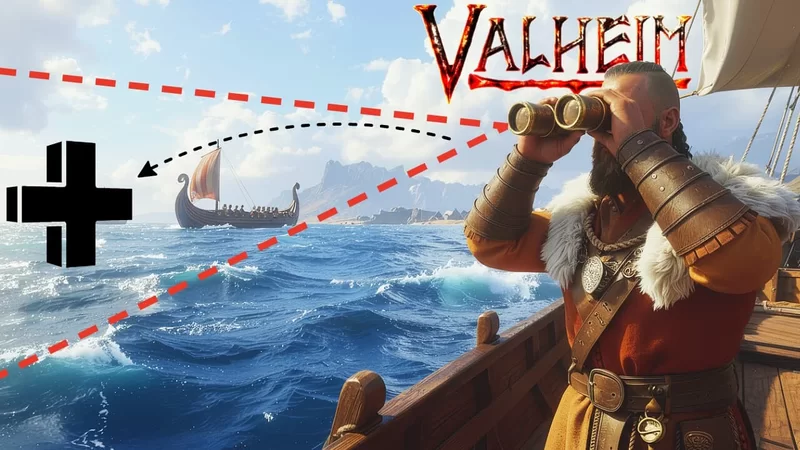
Using Dev Commands, you can instantly increase render distance with a safe and easy method.
Setting up Dev Commands
1) Add "-Console" to your steam launch options
2) Boot the game
3) Hit F5 in game - type "devcommands" into the console pop up- then hit Enter
Using LOD Bias
1) The Default quantity for lodbias, is "lodbias 5"
2) Hit F5 in game - type "lodbias 7" or "lodbias 10" to increase render distance
3) Nothing over lodbias 10 seems to make a large difference
Check out "Render Limits" on Thunderstore for a more detailed approach, if you're comfortable with mods
More like this


 How to Create a Line That Kills Players Instantly in ValheimTutorial Article
 JP Valheim
•1/28/23 11:05
2kx 121
JP Valheim
•1/28/23 11:05
2kx 121
 Snap points at 1/4m distance horizontalTutorial Article
 The_Compulsive_Builder
•11/1/25 6:04
1.1kx 11
The_Compulsive_Builder
•11/1/25 6:04
1.1kx 11
2293
6

 Franco Petrielli
 ElderWissman
 Berserk The Builder
 Fluffy-n-Dana

Have something to say?